

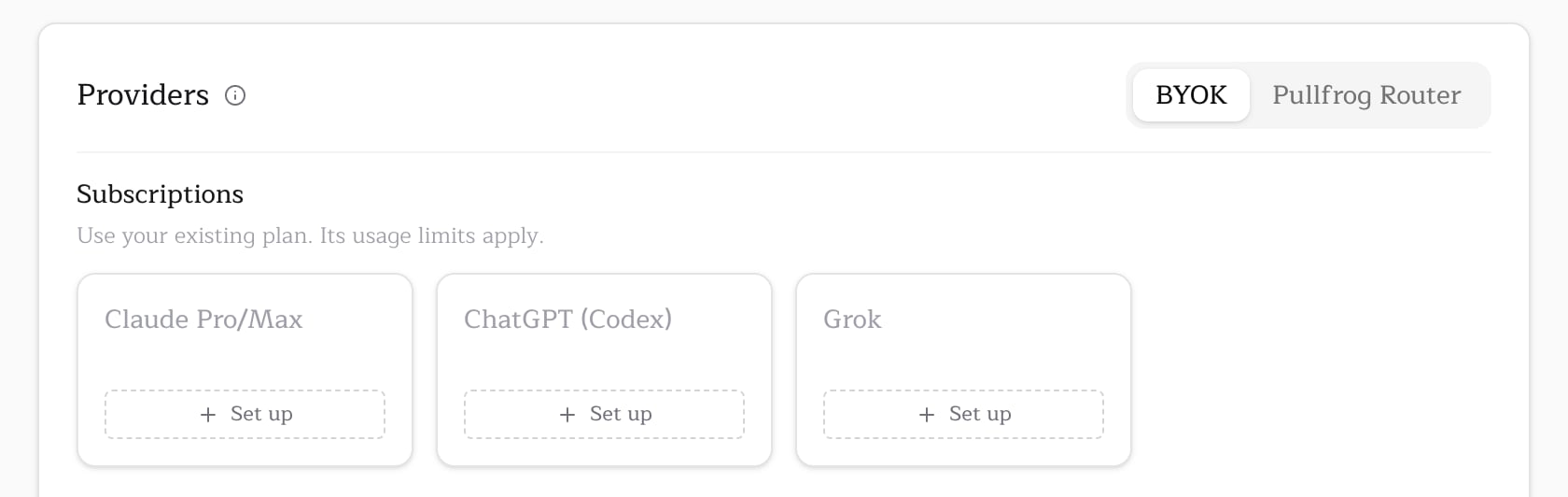
A Codex subscription covers the OpenAI models in the picker, including GPT Astra, GPT Sol, GPT Terra and GPT Luna. For other providers, see Model access.
Setup
Run this inside a clone of the repository. The CLI uses the GitHub CLI to sign you in, and the Codex CLI must be on yourPATH.
- Runs
codex login --device-authin a temporary Codex home, so your own~/.codex/auth.jsonis untouched. - Opens the sign-in URL and shows a one-time code. Sign in to ChatGPT and approve the code.
- Refreshes the new credential once, then saves it to Pullfrog’s encrypted store.
OPENAI_API_KEY beside them, Pullfrog moves to the next credential when one is rejected or out of quota; see multiple subscriptions and fallback.
Scope
On an organization repository, the CLI asks where to store the credential:
A personal account has only the account scope, so the CLI does not ask. To skip the prompt or run outside a checkout, pass the scope as a flag:
Credential refresh
ChatGPT access tokens last about ten days, and every refresh replaces the refresh token. Pullfrog keeps the stored copy current on its own:- Before a run, Pullfrog refreshes the stored credential when less than a day is left on it.
- After a run, Pullfrog saves any token the run refreshed back to its store.