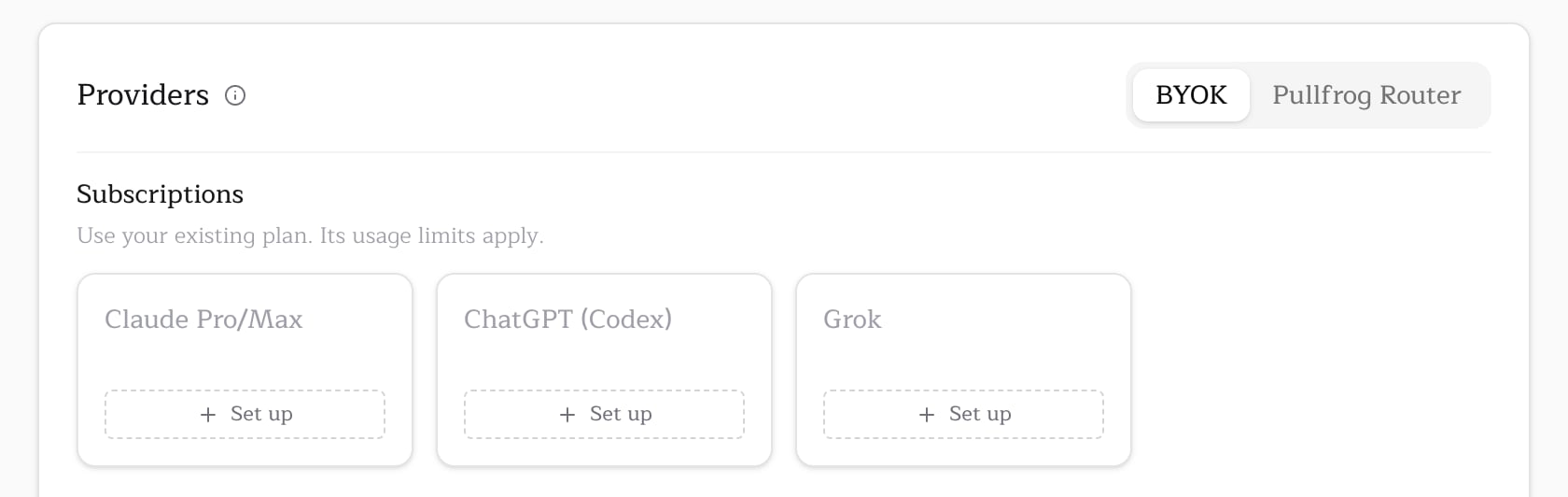
A Grok subscription covers the xAI models: Grok and Grok 4.3. For other providers, see Model access.
Setup
Run this inside a clone of the repository. The CLI uses the GitHub CLI to sign you in.- Requests a device code from xAI, then opens the sign-in URL and shows the code.
- Waits while you sign in and approve the code. The device-code flow also works over SSH and in containers.
- Refreshes the new credential once, then saves it to Pullfrog’s encrypted store.
XAI_API_KEY beside them, Pullfrog moves to the next credential when one is rejected or out of quota; see multiple subscriptions and fallback.
Scope
On an organization repository, the CLI asks where to store the credential:
A personal account has only the account scope, so the CLI does not ask. To skip the prompt or run outside a checkout, pass the scope as a flag:
Credential refresh
Grok access tokens last about six hours, and xAI replaces the refresh token on every use. Pullfrog keeps the stored copy current on its own:- Before a run, Pullfrog refreshes the stored credential when less than an hour is left on it.
- After a run, Pullfrog saves any token the run refreshed back to its store.
npx pullfrog auth grok again to replace it.