Repository navigation
Invalid log paths (eg. copied from other platforms) may result in activation failures without a helpful error message #2310
Description

Hi,
I have an error when running flutter extensions in vscode
I always get "command 'flutter.blaBla' not found
I opened developer tools and I got this error

I'm sure this error comes from another extension I'm using (for syncing extensions)
https://github.com/shanalikhan/code-settings-sync
It says that it cannot create a directory inside /home/ubuntu, which is in my old laptop
Currently, I'm using macos
What I tried:
- uninstall and reinstall flutter and dart extensions from extensions sidebar
- manually remove extension folder inside .vscode/extensions then reinstall from extensions sidebar
- open developer tools and got that error
Thanks
Activity
DanTup commentedon Mar 21, 2020
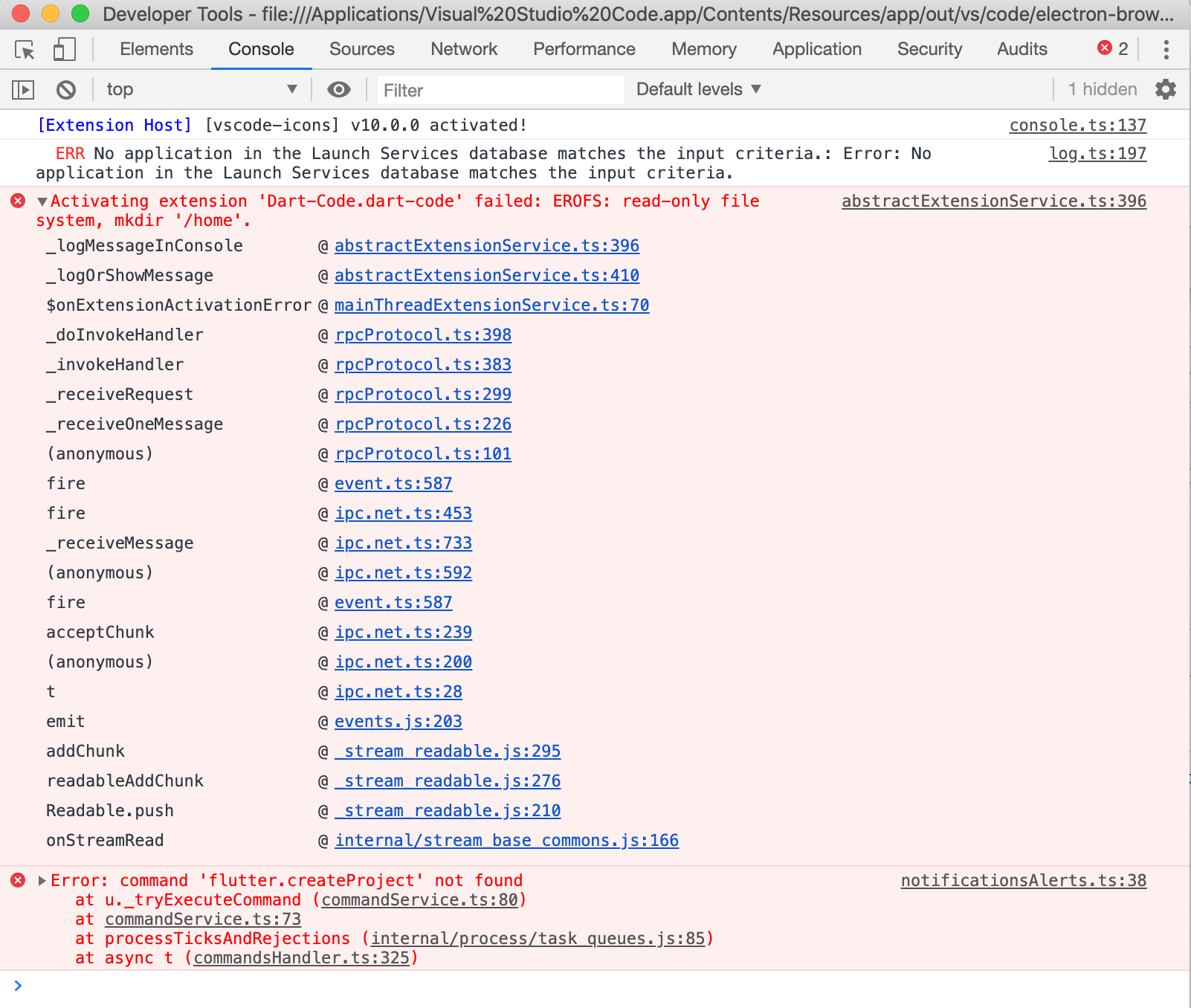
Can you try expanding the top error ("Activating failed") and post the stack?
If that doesn't have much more info, also try clicking Help -> Toggle Developer Tools and then check the Console tab to see if there's any more info there on what went wrong.
mukhsin commentedon Mar 22, 2020
Here what I got
And here is the createProject error details
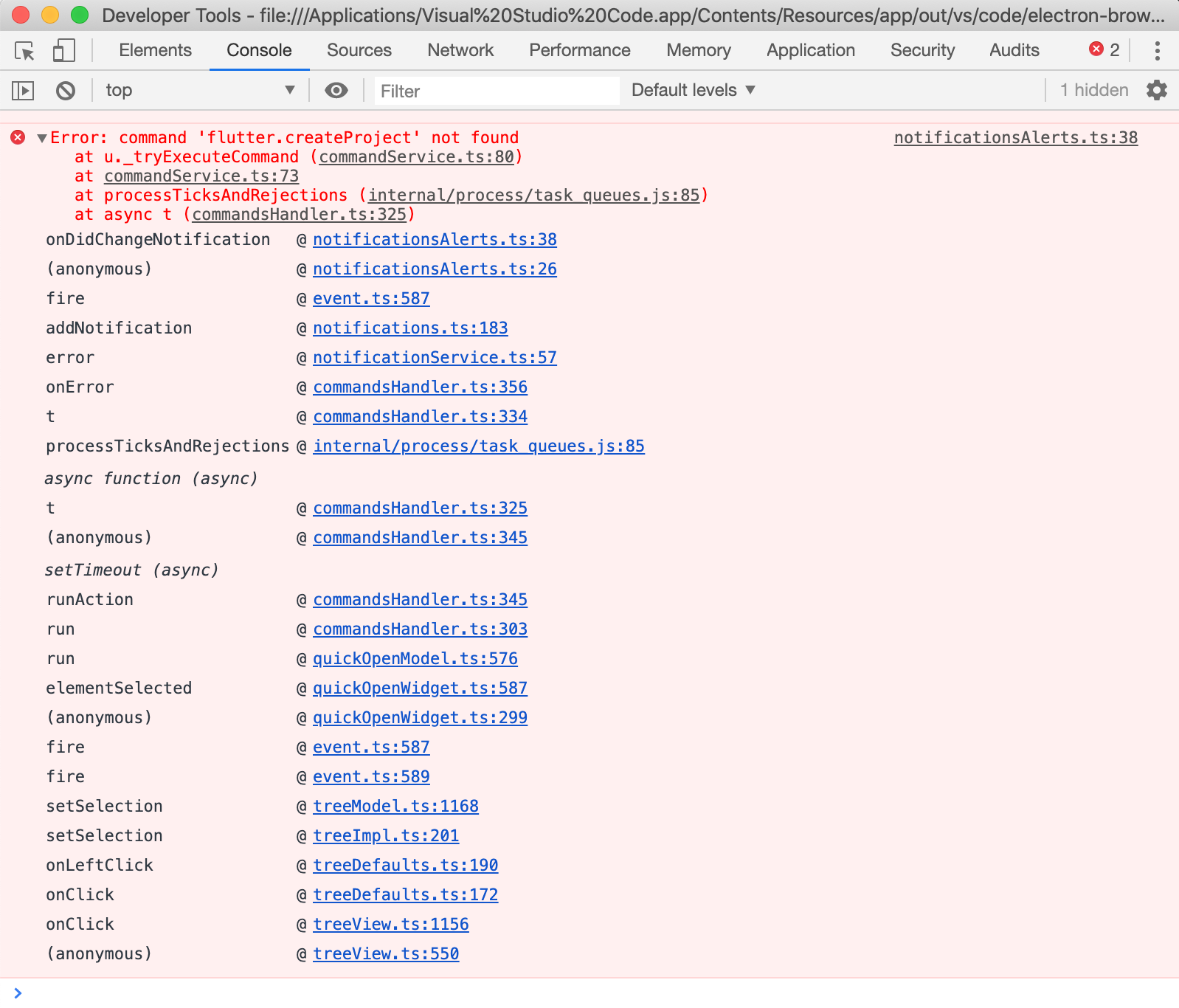
I don't know why I got a different error
But I'm sure this is caused by sync extension I'm using
I tried to resync after I had removed flutter and dart extensions but still got that error
FYI
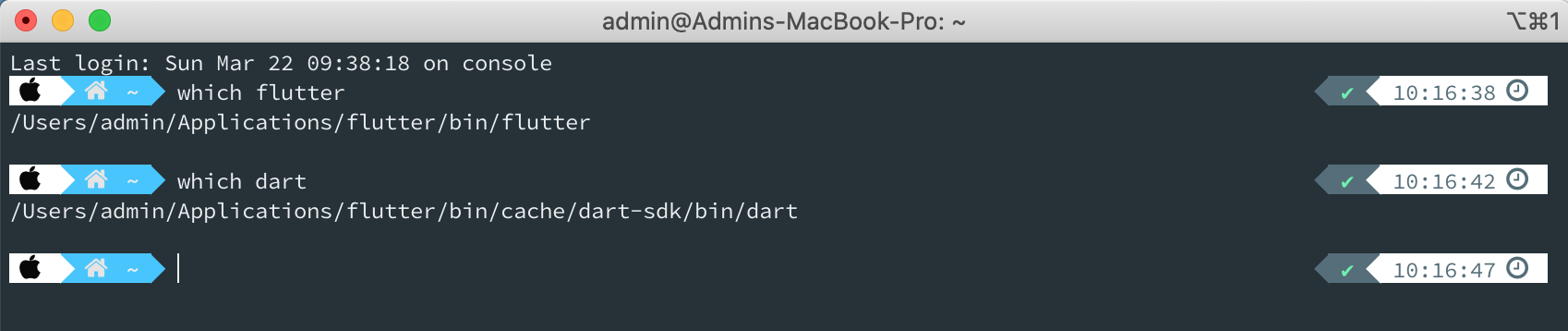
I have also export flutter and dart to my PATH
DanTup commentedon Mar 23, 2020
Ah - are you syncing between machines that have different file system paths for your settings? For example SDK paths? It could be that these paths have been synchronised so we're trying to make folders in the wrong place.
If so, can you tell which paths have been synchronised? And also confirm whether you're using a third-party settings sync, or the built-in VS Code behaviour (this might only be in Insiders?).
mukhsin commentedon Mar 23, 2020
Yes, I installed Ubuntu on my old machine and currently I'm using macbook
I'm not sure which folder the sync extension I'm using uses
It might ~/.vscode/extensions
I tried to uninstall both flutter and dart extension
Then resync my extensions so flutter and dart should be removed on my gist
Then uninstall vscode and reinstall it
Then install sync extension and pull my extensions from my gist
But it doesn't work and I still got the error
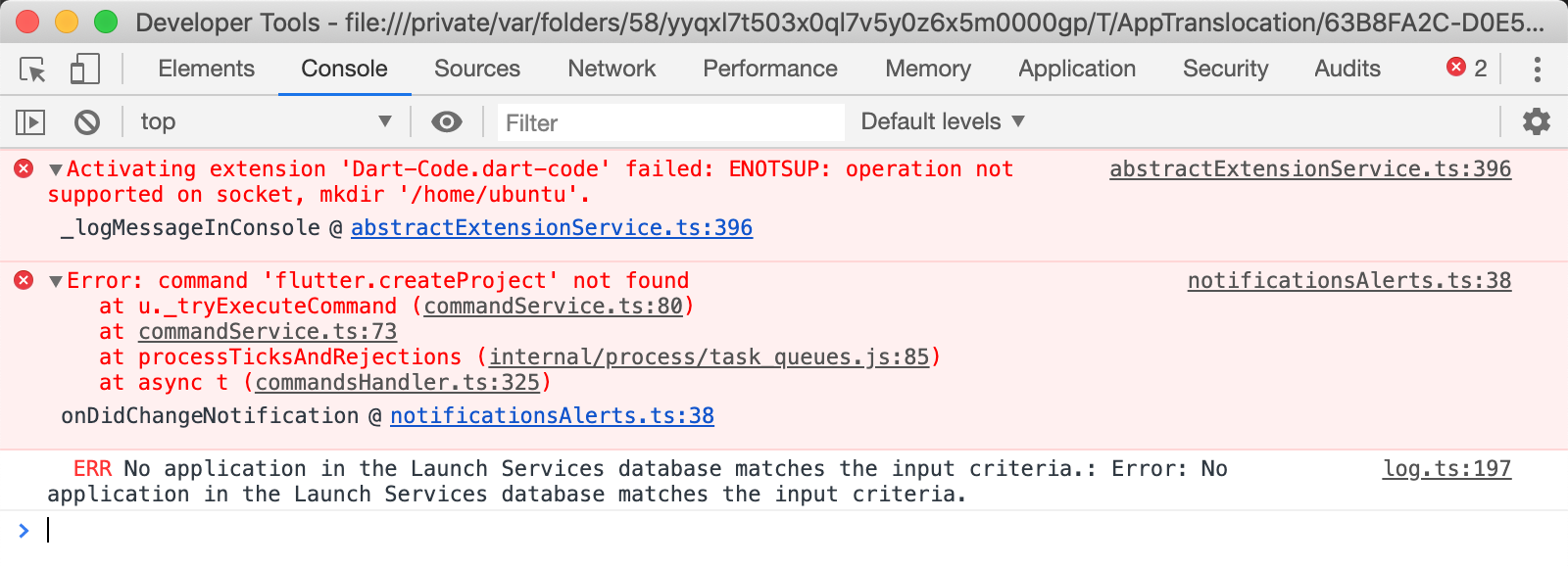
This is my last error after I did steps above
DanTup commentedon Mar 23, 2020
Which sync extension are you using? Is it synchronising just the installed extensions, or also the settings for them?
Can you open your VS Code Settings (press
Cmd+,) and see if any of the settings have invalid paths (that may have been copied from Ubuntu), eg. starting with/home?mukhsin commentedon Mar 23, 2020
Ah, I got it

Here I found dart.extensionsLogFile which points to /home/ubuntu/extension.txt
I removed that line and now I can fun flutter doctor from Cmd+Shift+P
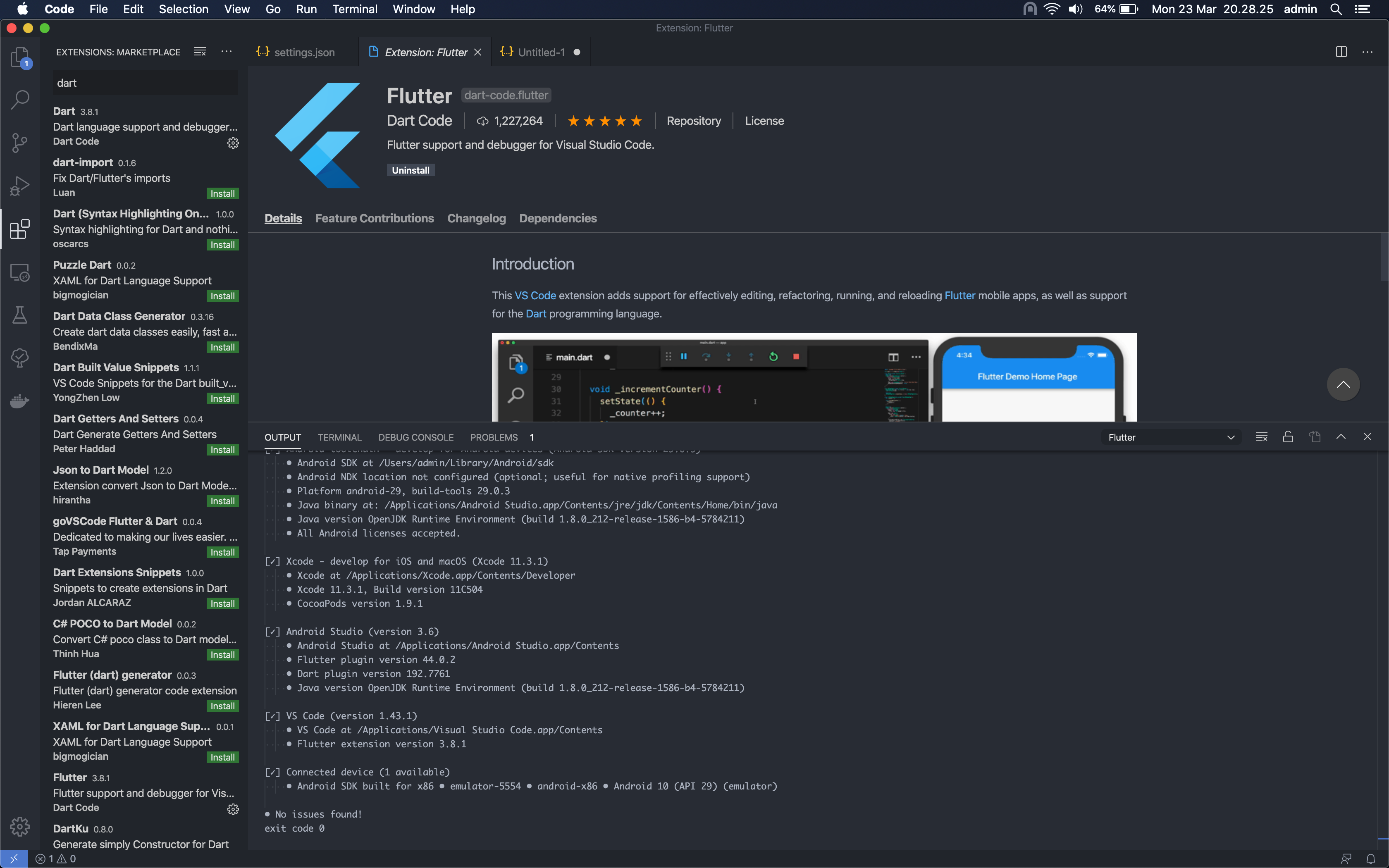
Thank you so much
DanTup commentedon Mar 23, 2020
Great, glad you sorted it!
We should handle this a bit better though, to make the error less cryptic. I'll keep this issue open to try and come up with some improvements.
[-]"command 'flutter.createProject' not found" in VS Code[/-][+]Invalid log paths (eg. copied from other platforms) may result in activation failures without a helpful error message[/+]mukhsin commentedon Mar 23, 2020
Ok
Now I can run flutter and dart normally on vscode
Thanks