Repository navigation
Files Do Not Sync To My Android Device after App is Launched #56637
Description


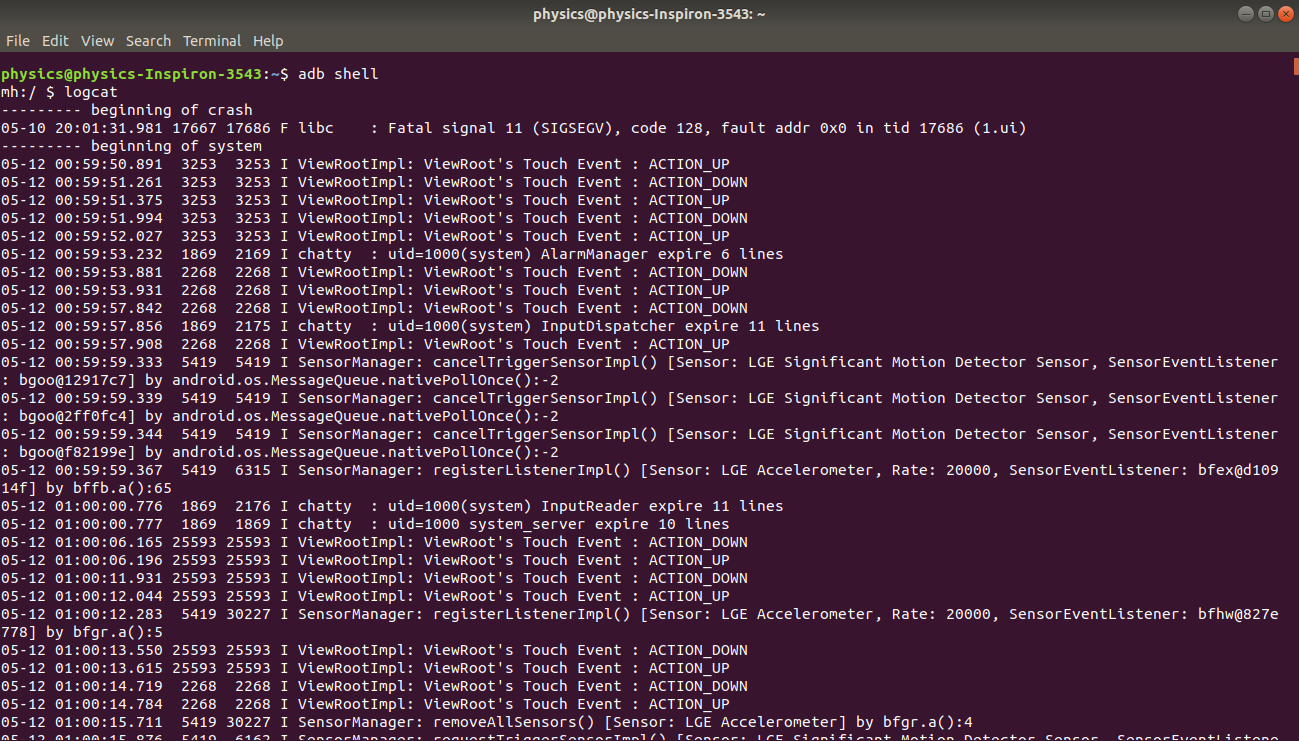
I have this issue that when i run flutter run everything works fine and the app launches correctly on my device but after launching the app the files do not sync to my device.I think this issue is related to adb logcat as when i type adb logcat in the terminal i get no output on the terminal but when i type adb shell -x logcat i get the correct output.I am using Ubuntu 18.04 and LG M700 .Also adv version is :
Android Debug Bridge version 1.0.41
Version 30.0.0-6374843
Installed as /usr/lib/android-sdk/platform-tools/adb
I am attatching the screenshot where you can see that after launching the app on device the
the sync files is not shown .It is stuck at "✓ Built build/app/outputs/apk/debug/app-debug.apk."
although the app is installedand launched on device correctly.


Activity
VladyslavBondarenko commentedon May 8, 2020
Hi @atheistrepublic
could you provide your
flutter doctor -vandflutter run --verbose log?Please don't post screenshots of text where is not necessary, post the text instead.
Screenshots are not searchable and it's not possible to copy-past text out of it.
atheistrepublic commentedon May 8, 2020
log1.txt
Ok so below i am providing the logs of flutter run --verbos and flutter doctor -v.I am attaching the log file for flutter run --verbose as you can see at the end it always says Waiting for observatory port to be available... and stuck at that point .Why is this happening?
log1.txt
VladyslavBondarenko commentedon May 8, 2020
@atheistrepublic
is #33214 (comment) your case?
atheistrepublic commentedon May 8, 2020
No this is not my case.That is a completely different issue/case.
VladyslavBondarenko commentedon May 8, 2020
@atheistrepublic
do you have another device to check if it works with it? or with emulator.
Does it happen with any project? If no, can you provide a minimal reproducible project?
atheistrepublic commentedon May 8, 2020
There seems to be something wrong with adb itself.It does not recognise any other devices except LG M700 which i am using.
Even if it recognises my LG M700 the adb logcat command does not work in terminal but only in shell which maybe the cause of No sync files.
3)adb was working before when i had not installed flutter and other tools .Before it was connecting to all the other devices and even mine and adb logcat command was also working in the terminal.
So i seems that there is some problem with adb and also yes it is happening for all projects on my device.No files sync for any of them.
And yes usb debugging option is enabled in all the other devices that i am testing.
xster commentedon May 12, 2020
which
adbis in your PATH? Try running/usr/lib/android-sdk/platform-tools/adbdirectly (since that's where flutter doctor is pointing). Otherwise it may be an issue with the Android SDK installation. Does it work in Android Studio?atheistrepublic commentedon May 13, 2020
No that doesn't work either.As you can see in the flutter doctor -v i am not using android studio.
2)Even the command /usr/lib/android-sdk/platform-tools/adb logcat does not work.
After the app is launched on device the terminal is stuck at
Waiting for observatory port to be available...
atheistrepublic commentedon May 13, 2020
I figured it out and solved the issue.This was happening because it seems adb version i was using had some bugs .So i downgraded platform-tools to 28.0.0 as was suggested in the post linked below:
https://superuser.com/questions/1357708/android-adb-logcat-works-only-on-shell/1357929#1357929
I am closing this issue as it has been solved.
github-actions commentedon Aug 21, 2021
This thread has been automatically locked since there has not been any recent activity after it was closed. If you are still experiencing a similar issue, please open a new bug, including the output of
flutter doctor -vand a minimal reproduction of the issue.