Repository navigation
Connecting to the VM Service is taking longer than expected... #80228
Description

debug mode run app,
Connecting to the VM Service is taking longer than expected...
Still attempting to connect to the VM Service...
If you do NOT see the Flutter application running, it might have crashed. The device logs (e.g. from adb or XCode) might have more details.
If you do see the Flutter application running on the device, try re-running with --host-vmservice-port to use a specific port known to be available.
Exception attempting to connect to the VM Service: SocketException: Connection failed, address = 127.0.0.1, port = 49920
This was attempt #50. Will retry in 0:00:01.600000.
flutter doctor -v
[✓] Flutter (Channel stable, 2.0.4, on macOS 11.2.3 20D91 darwin-x64, locale zh-Hans-CN)
    • Flutter version 2.0.4 at /Users/evil/Downloads/flutter
    • Framework revision b1395592de (10 days ago), 2021-04-01 14:25:01 -0700
    • Engine revision 2dce47073a
    • Dart version 2.12.2
    • Pub download mirror https://mirrors.tuna.tsinghua.edu.cn/dart-pub
    • Flutter download mirror https://mirrors.tuna.tsinghua.edu.cn/flutter

[✓] Android toolchain - develop for Android devices (Android SDK version 30.0.3)
    • Android SDK at /Users/evil/Library/Android/sdk
    • Platform android-30, build-tools 30.0.3
    • ANDROID_HOME = /Users/evil/Library/Android/sdk
    • Java binary at: /Applications/Android Studio.app/Contents/jre/jdk/Contents/Home/bin/java
    • Java version OpenJDK Runtime Environment (build 1.8.0_242-release-1644-b3-6222593)
    • All Android licenses accepted.

[✓] Xcode - develop for iOS and macOS
    • Xcode at /Applications/Xcode.app/Contents/Developer
    • Xcode 12.4, Build version 12D4e
    • CocoaPods version 1.10.1

[✓] Chrome - develop for the web
    • Chrome at /Applications/Google Chrome.app/Contents/MacOS/Google Chrome

[✓] Android Studio (version 4.0)
    • Android Studio at /Applications/Android Studio.app/Contents
    • Flutter plugin version 51.0.1
    • Dart plugin version 193.7547
    • Java version OpenJDK Runtime Environment (build 1.8.0_242-release-1644-b3-6222593)

[✓] VS Code (version 1.54.3)
    • VS Code at /Applications/Visual Studio Code.app/Contents
    • Flutter extension version 3.21.0

[✓] Connected device (2 available)
    • AOSP on IA Emulator (mobile) • emulator-5554 • android-x86    • Android 9 (API 28) (emulator)
    • Chrome (web)                 • chrome        • web-javascript • Google Chrome 89.0.4389.90

• No issues found!
  i need help
Activity
evil123 commentedon Apr 11, 2021
flutter run -v
[ +206 ms] Starting: Intent { act=android.intent.action.RUN flg=0x20000000 cmp=com.example.demo6/.MainActivity (has extras) }
[        ] Waiting for observatory port to be available...
[+1038 ms] Observatory URL on device: http://127.0.0.1:45069/-lfSrIGW8Mo=/
[   +1 ms] executing: /Users/evil/Library/Android/sdk/platform-tools/adb -s emulator-5554 forward tcp:0 tcp:45069
[  +14 ms] 53089
[        ] Forwarded host port 53089 to device port 45069 for Observatory
[   +8 ms] Caching compiled dill
[  +48 ms] Connecting to service protocol: http://127.0.0.1:53089/-lfSrIGW8Mo=/
[  +18 ms] Exception attempting to connect to the VM Service: SocketException: Connection failed, address = 127.0.0.1, port = 53089
[        ] This was attempt #1. Will retry in 0:00:00.100000.
[ +103 ms] Exception attempting to connect to the VM Service: SocketException: Connection failed, address = 127.0.0.1, port = 53089
[        ] This was attempt #2. Will retry in 0:00:00.200000.
[ +204 ms] Exception attempting to connect to the VM Service: SocketException: Connection failed, address = 127.0.0.1, port = 53089
[        ] This was attempt #3. Will retry in 0:00:00.400000.
[ +401 ms] Exception attempting to connect to the VM Service: SocketException: Connection failed, address = 127.0.0.1, port = 53089
[        ] This was attempt #4. Will retry in 0:00:00.800000.
[ +803 ms] Exception attempting to connect to the VM Service: SocketException: Connection failed, address = 127.0.0.1, port = 53089
[        ] This was attempt #5. Will retry in 0:00:01.600000.
[+1603 ms] Exception attempting to connect to the VM Service: SocketException: Connection failed, address = 127.0.0.1, port = 53089
[        ] This was attempt #6. Will retry in 0:00:01.600000.
[+1604 ms] Exception attempting to connect to the VM Service: SocketException: Connection failed, address = 127.0.0.1, port = 53089
[        ] This was attempt #7. Will retry in 0:00:01.600000.
[+1606 ms] Exception attempting to connect to the VM Service: SocketException: Connection failed, address = 127.0.0.1, port = 53089
[        ] This was attempt #8. Will retry in 0:00:01.600000.
[+1604 ms] Exception attempting to connect to the VM Service: SocketException: Connection failed, address = 127.0.0.1, port = 53089
[   +1 ms] This was attempt #9. Will retry in 0:00:01.600000.
[+1608 ms] Connecting to the VM Service is taking longer than expected...
TahaTesser commentedon Apr 12, 2021
Hi @evil123
Can you please try this possible soution
evil123 commentedon Apr 12, 2021
I tried but still can't work
evil123 commentedon Apr 12, 2021
I tried but still can't work
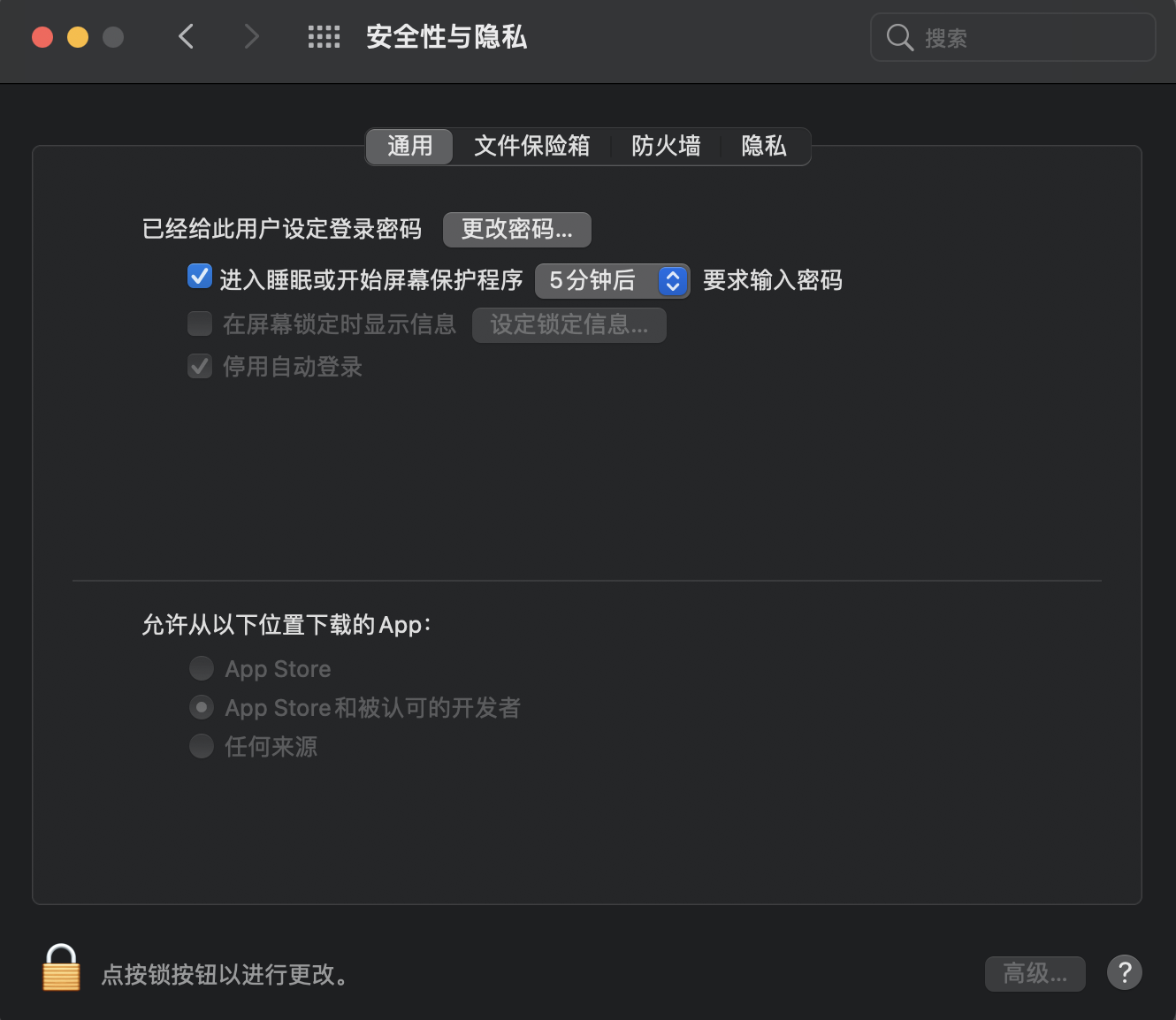
evil123 commentedon Apr 12, 2021
I closed the AdGuard software and solved the problem,thank you author.
TahaTesser commentedon Apr 13, 2021
Hi @evil123
Glad you resolved the issue, given your last message I feel safe to close this issue if you disagree please write in the comments and I will reopen it.
Thank you
Kimsoyens87 commentedon Jun 4, 2021
similar problem here. how can i fix this on android?
rulila52 commentedon Jun 7, 2021
similar problem. working from windows, not mac os
github-actions commentedon Jul 31, 2021
This thread has been automatically locked since there has not been any recent activity after it was closed. If you are still experiencing a similar issue, please open a new bug, including the output of
flutter doctor -vand a minimal reproduction of the issue.