Repository navigation
TODOLIST: Add rename (custom top dialog) #58
Description
Activity
Of course, I can :)
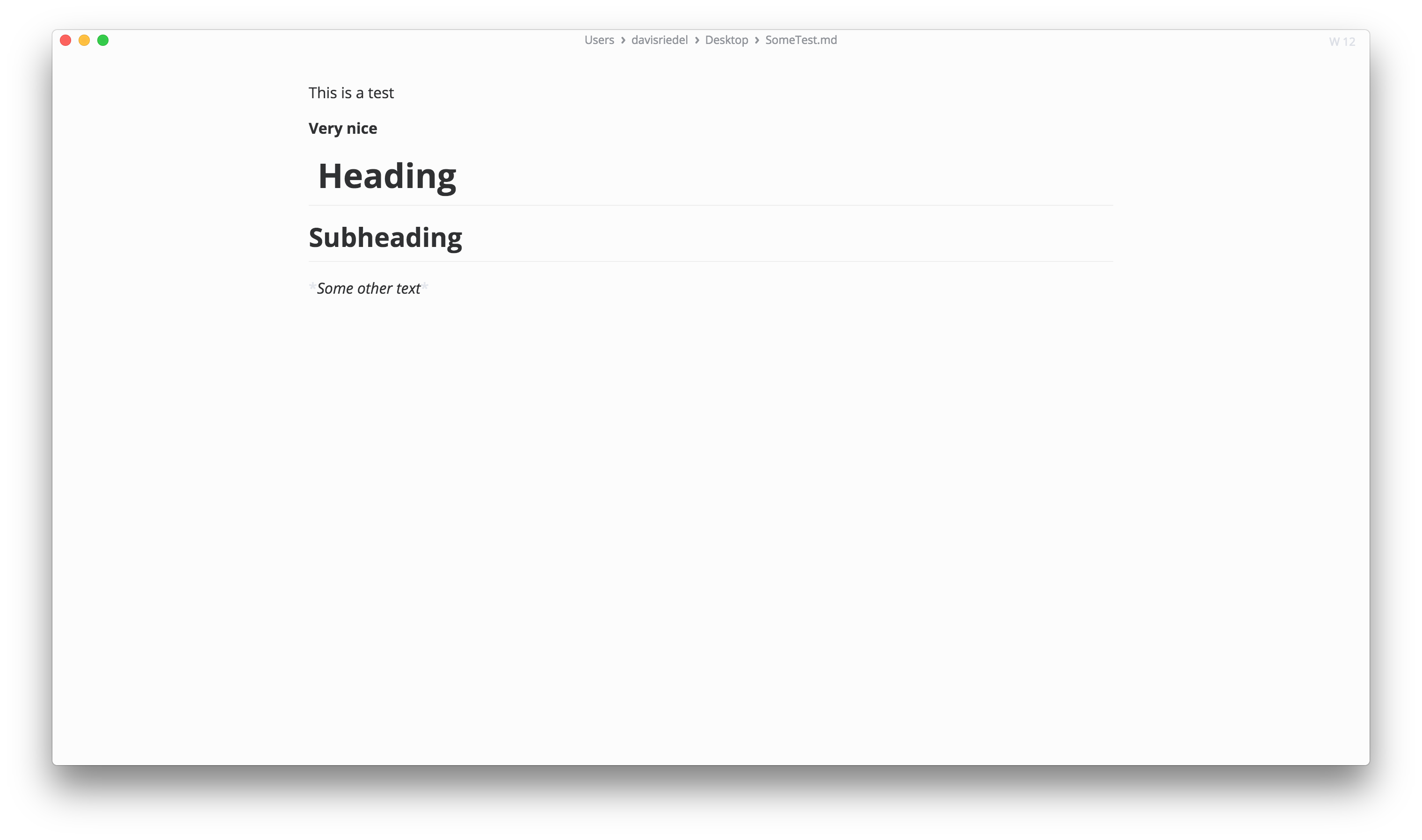
No dialog is shown:
Then the dialog animates in and disables the editor below.
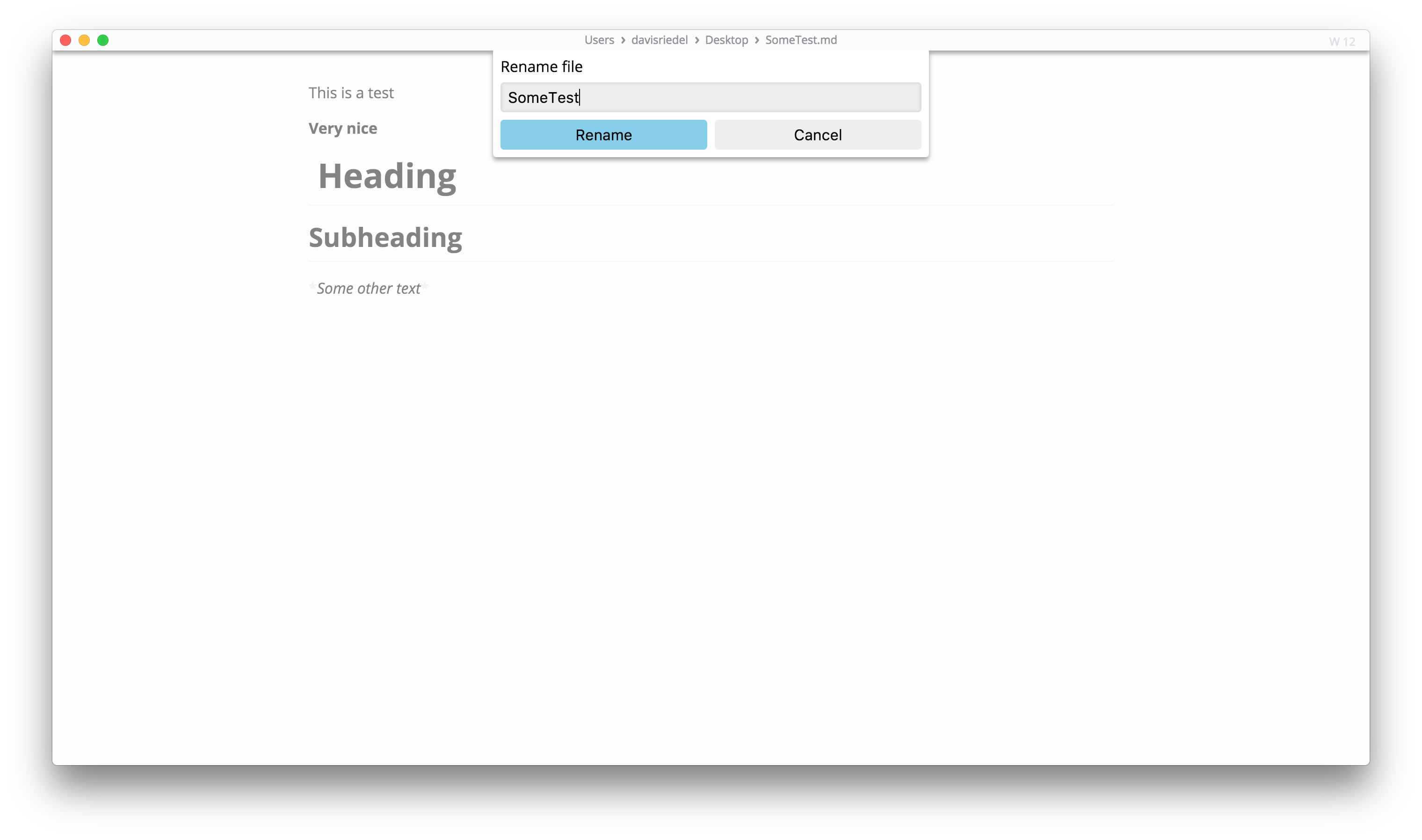
It has an animation which fades tile bar shadow and the background (which is then disabled). The dialog appears from under the title bar, similar to top dialogs in macOS. The dialog can have any contents: All possible dialogs are defined as extra components in a subfolder of TopDialog named "Dialogs", then you just need to
commit('SHOW_TOP_DIALOG', 'Name of dialog to show').@dxxl Anyway I like you design of the top dialog. There is a question, when it is
move to, How can you select directories, if you don't use native dialog which provided by electron.So I prefer use
dialog.showSaveDialog([browserWindow, ]options[, callback])to implement rename and moveTo.@Jocs You are right... 🤔 move to would require using the save dialog. But I thought we don‘t need to display the whole path dialog when only renaming files. It‘s your decision ;)
I think it is no design break to use the system's default open and save dialogs but use custom dialogs for other actions that for example only require a decision.
I had some time to implement 'Move To...', that would look as follows:
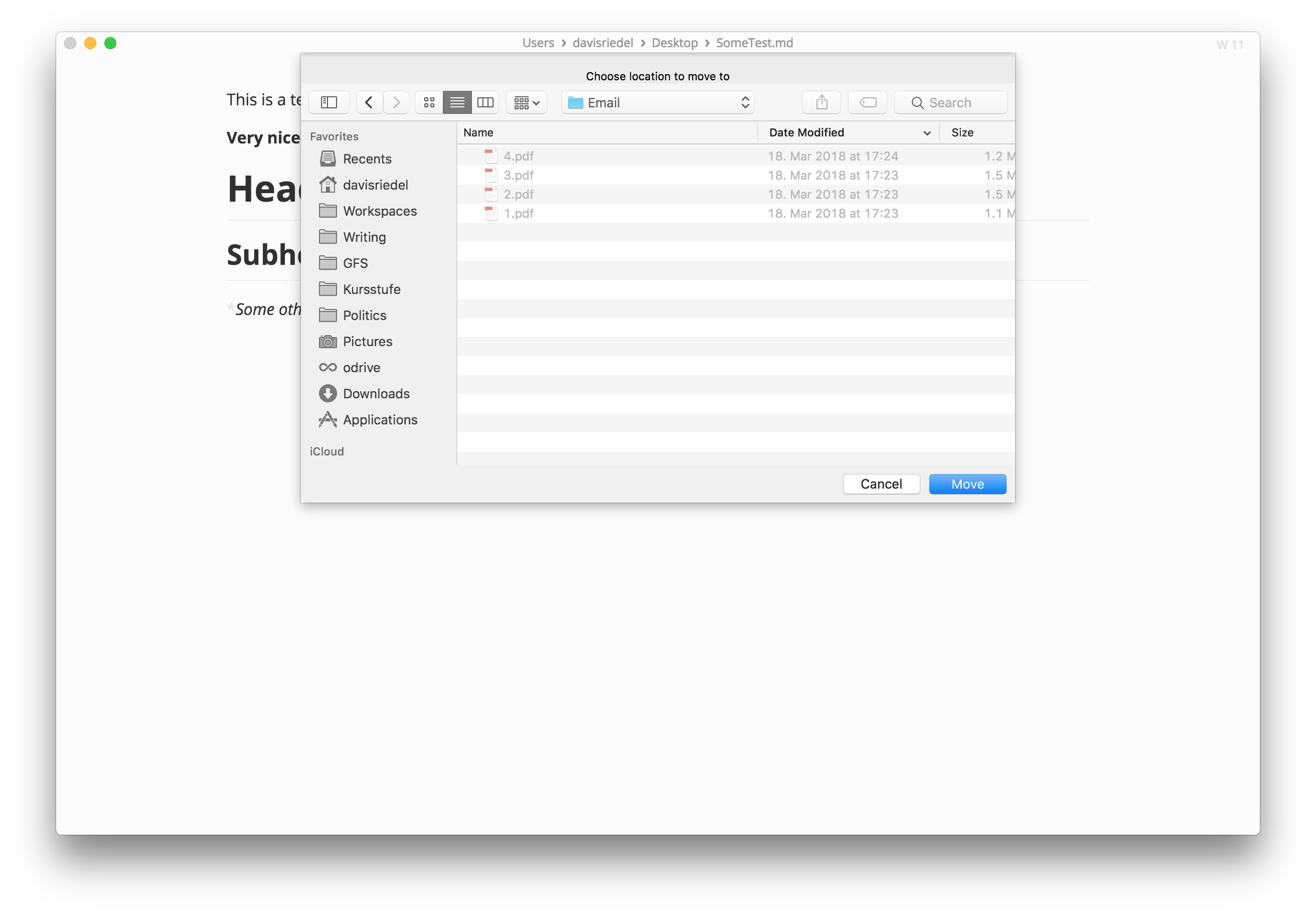
I wouldn't recommend to use a custom save dialog on windows anyway.
Is a move to dialog really necessary? Save as is always an option and you could abuse it to rename the file too.@SuperSandro2000
Save as...like copy, andMove to...is cut operation.@dxxl I think We can rename this file when open the
move todialog, if the path is not changed, it is a rename operation, if the path changed, it is a move to operation.But, a custom
renamedialog is also necessary when people click the file name in the title bar or click the rename menu item.If you have time and a
move tofeature PR is welcomed.thank you!
That would be like that:
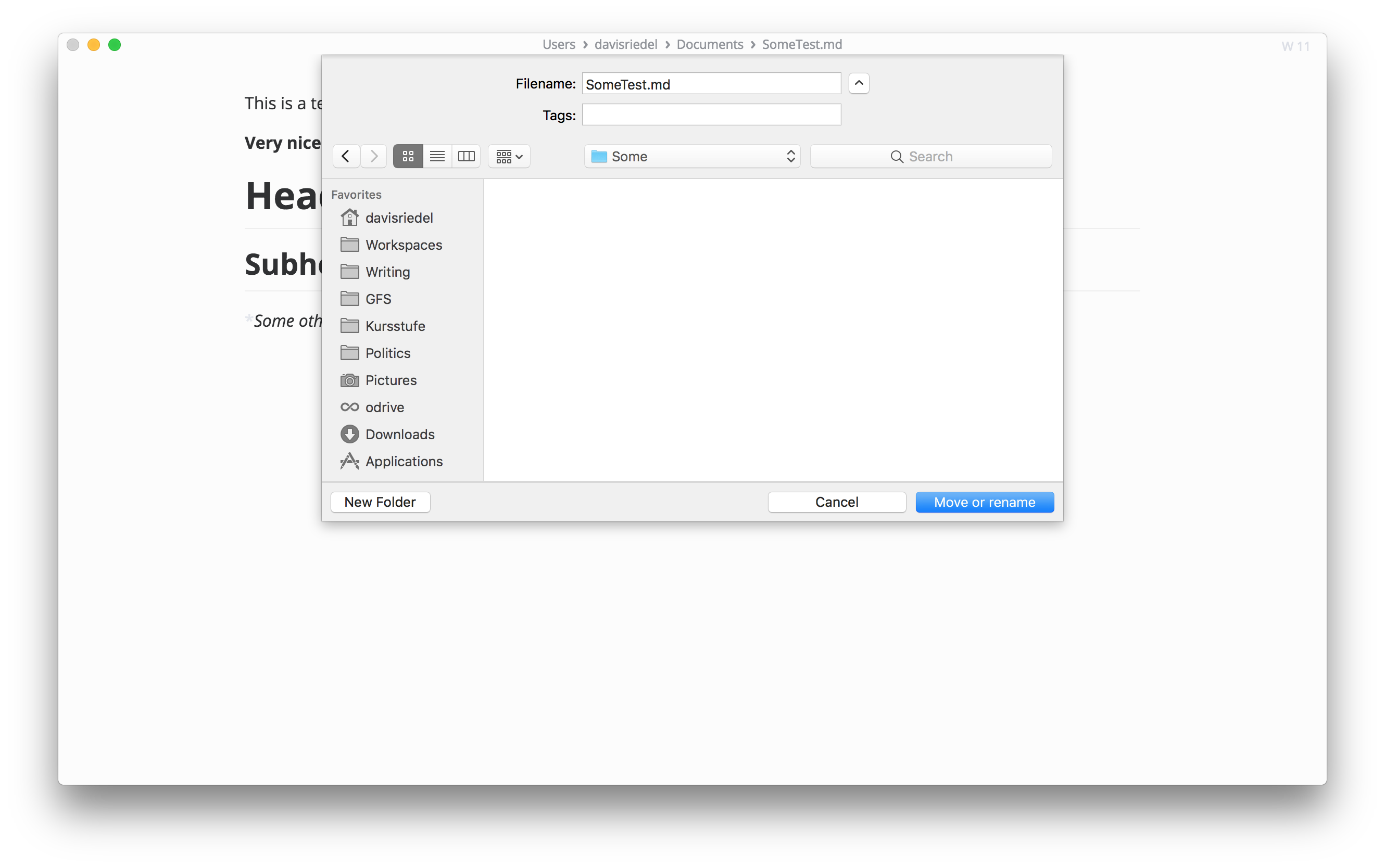
I will create a PR once I have the tests. Thanks for your advice ;)
@Jocs oh yeah. Still think that a custom dialog will have problems acrros os's as we may need one for each system and then they are not consistent with the is or miss folders/features.
@SuperSandro2000 we use electron
showSaveDialogto implementmove to, not custom dialog.Reacted by SandroHey, I have everything ready now for your review. Before I make a PR: What about tests? Should they be added?
You can open PR first, and add test latter...
So I can review the code first.


Description
TODOLIST: Add option to rename the file
Because electron's default dialog which is used for actions on the file is not capable of displaying a text field, a custom dialog is needed.
I have developed a custom top dialog inspired by macOS' dialog and tried to keep the minimalistic design of marktext. The dialog I created can not only be used to show rename dialog but can be used to create any custom dialog.
If you want changes to the design just comment, and I will implement them. That's why I first wanted to post an issue. I also still have to write tests for it. If you like I can then implement 'move to' as well.
Link to an example: You can have a look at it, in this fork (dev branch): https://github.com/DXXL/marktext