
Saggar is a native macOS command center for developers running multiple terminals and coding agents.
It is built around one question: which session needs me right now? Saggar keeps projects, shells, and agents in one place, then brings forward the sessions waiting for your attention.
Install · Resources · Watch the intro · Documentation · Updates
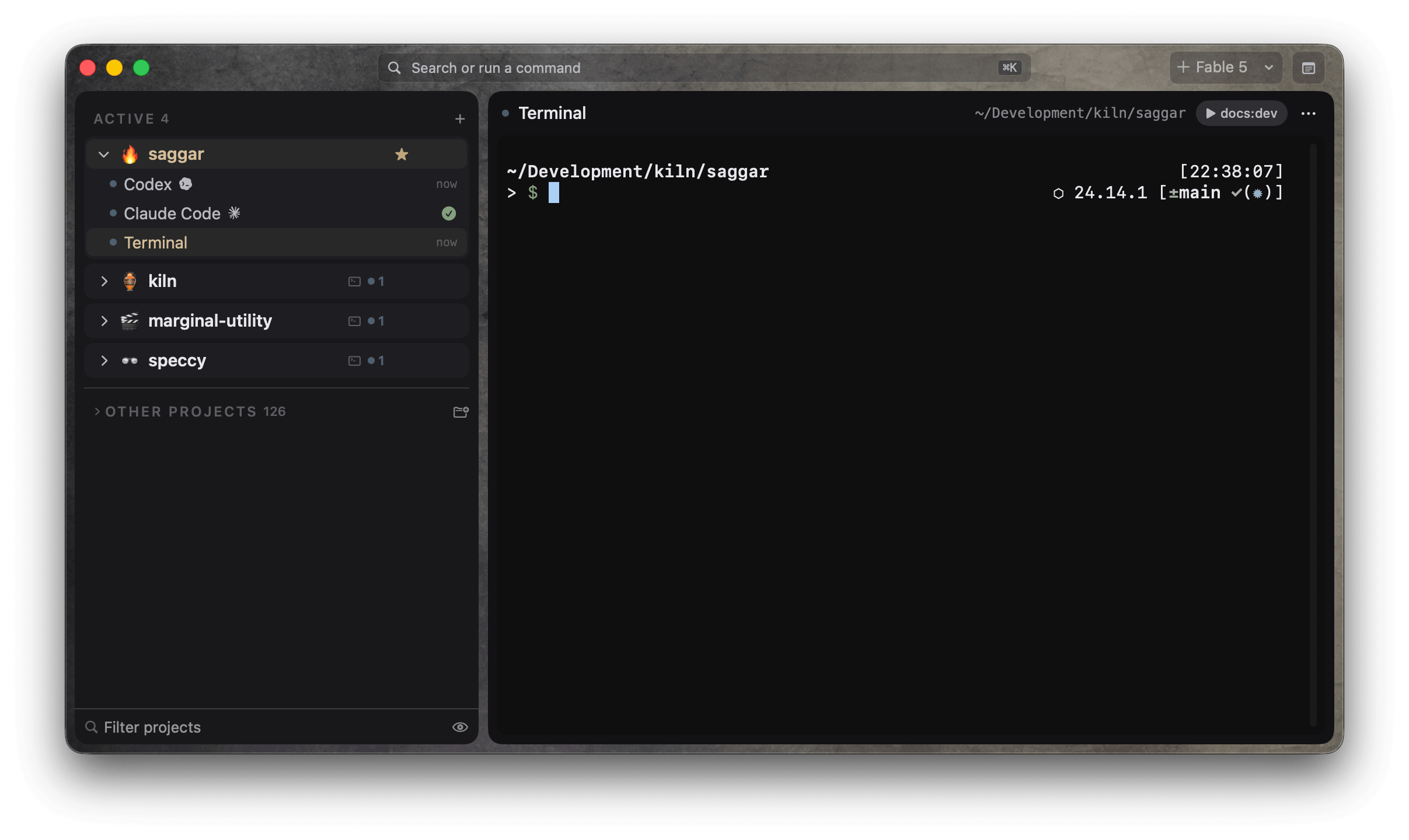
Saggar marks sessions as Needs you, Working, Idle, Finished, Failed, or Ready for review. Prompts, failures, and completed work form one ordered queue. Answer from the attention card, or press ⌘J to work through it by priority.
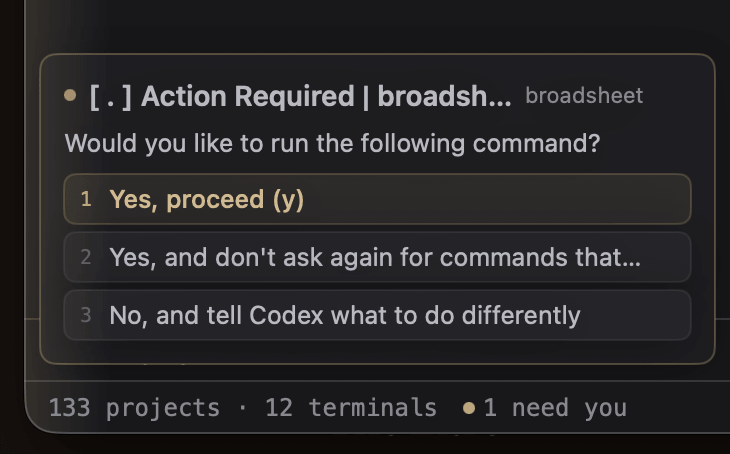
Run shells, dev servers, tests, and agents across several codebases. Each session stays attached to its project, branch, and worktree, while Saggar tracks dirty files, listening ports, and command output.
Sessions and scrollback survive restarts. Project scratchpads, commands, layouts, and scheduled tasks live in .saggar/, where both people and coding agents can read them.
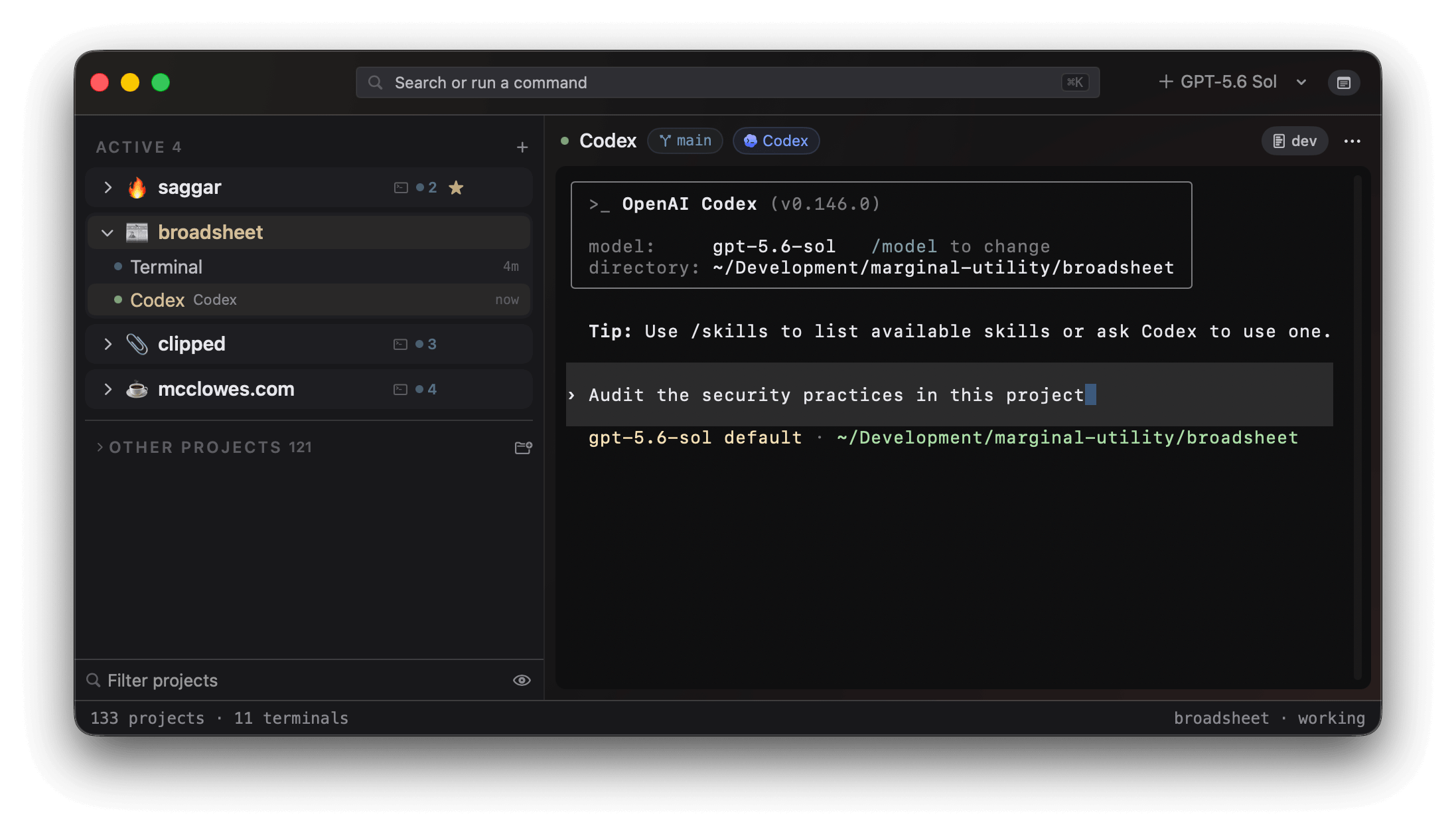
Learn about projects and sessions
Quick runs and persistent monitors keep tests, development servers, and other long-running commands visible without taking over a terminal. Saggar sounds restrained alerts when work changes state, so active jobs can stay out of the way until something happens.
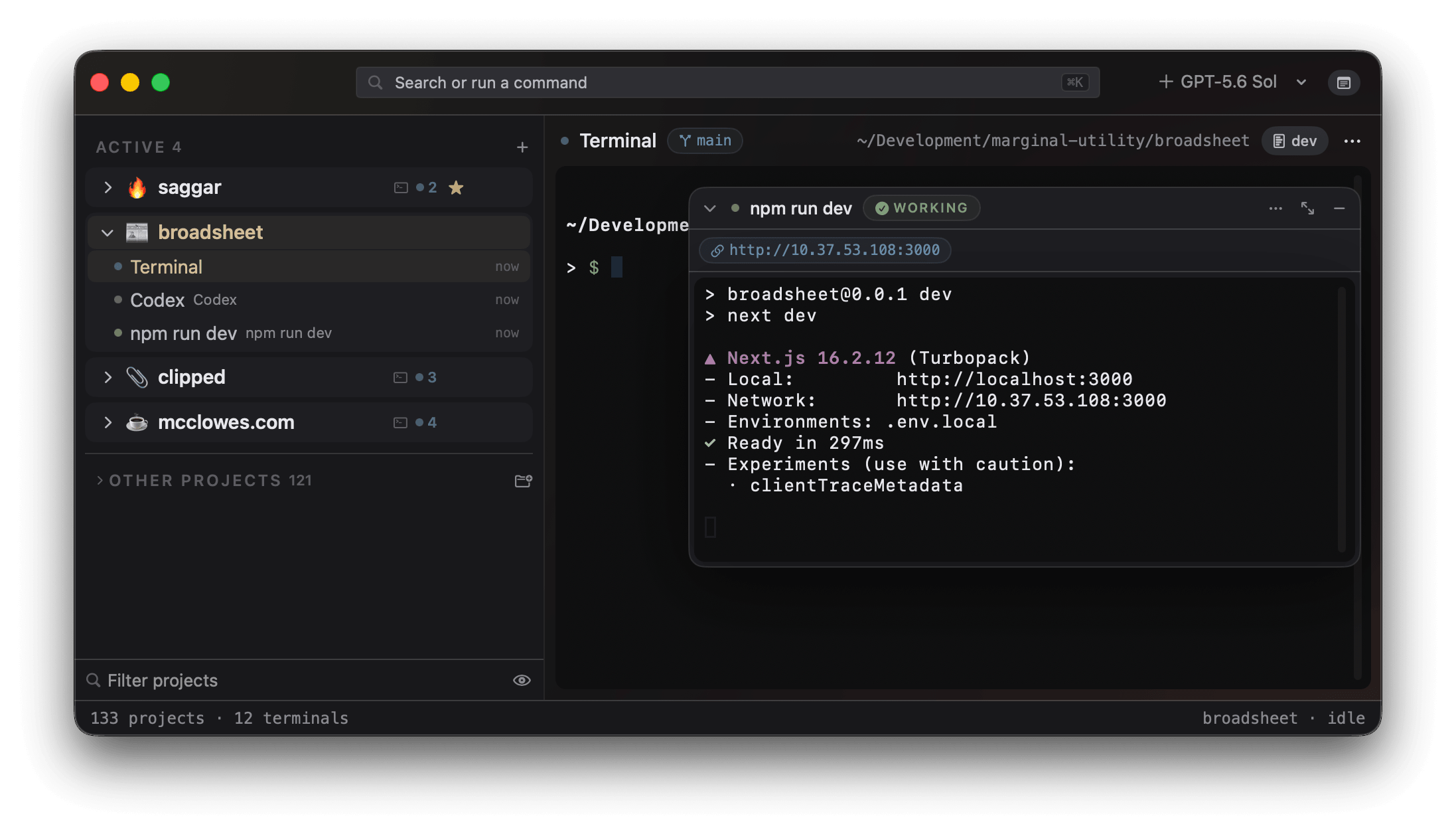
Learn about managing parallel agents
Saggar recognizes Codex, Claude Code, Antigravity, Pi, and OpenCode. It detects their status and waiting prompts, with optional hooks where the agent CLI supports them. Any ordinary shell command still runs as a terminal session.
The bundled saggar CLI and optional agent skill let agents open projects, run commands, report status, and raise your attention themselves.
Pair the optional Saggar Companion to inspect a session, answer its prompt, interrupt a runaway command, or type into it from your phone.
Remote control is off by default and requires a Marginal Utility account. Pairing needs both a matching account and confirmation at the Mac. The Mac opens no inbound port; it connects out to Saggar's relay, and terminal traffic is encrypted end to end.
How remote control works · Read the security model
Saggar requires macOS 26 or newer on Apple silicon.
brew install --cask mcclowes/saggar/saggarYou can also download the latest release directly. No account is needed to use the Mac app.
On a fresh install, Saggar sends no terminal content off the Mac. Remote control and optional cloud features are opt-in; the security model documents what they send and the trade-offs involved.
This repository is Saggar's public home. Use it to:
- Report a bug
- Suggest a feature
- Ask a question or discuss an idea
- Share a skill, prompt, tool, or recipe in the community resources list
Before reporting a problem, check the troubleshooting guide. Please report security vulnerabilities privately, as described in SECURITY.md.
Saggar is proprietary software, and its application source is private. This repository hosts the public issue tracker, discussions, and the community resources list. It will also host the website and product documentation once those sources move here.