Repository navigation
Prompt to move to app folder on upload even though 'Keep in source folder' is selected #4465
Description
Activity
An addition:
The warning prompt event shows up when I select "Delete from source folder" - there is not enough space to delete them?! 😋This request did not receive an update in the last 4 weeks. Please take a look again and update the issue with new details, otherwise the issue will be automatically closed in 2 weeks. Thank you!
Well, it's stale because no team member replied. That's not a reason to close this issue 😋
Hm.
Can you create a screenshot? I do not fully understand how you can upload from a file and also have a decision "keep in source folder"?I can confirm this is an issue also occurring on my Android devices, and all of them. If examples are needed I can try to post it when I get home tonight.
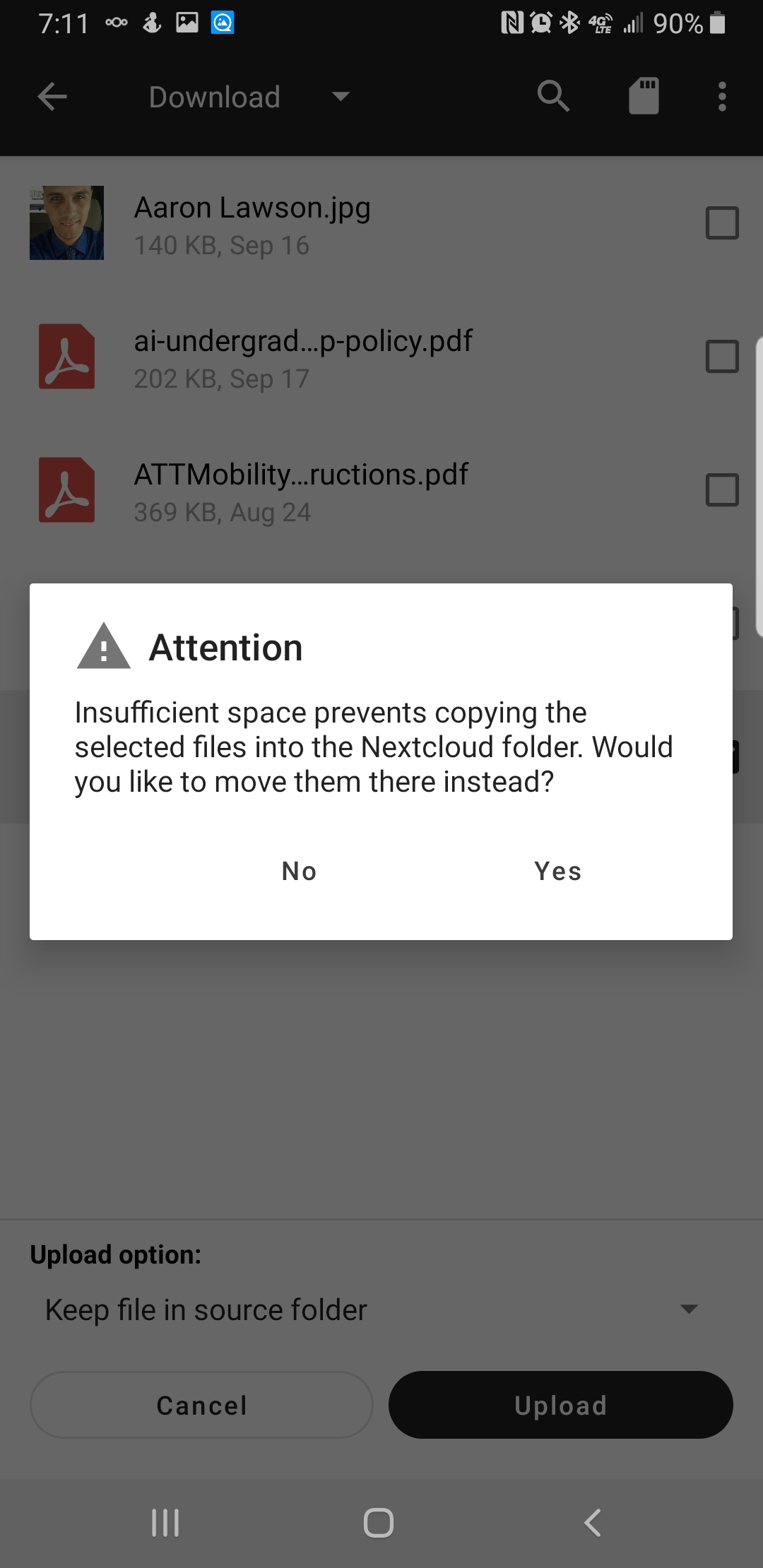
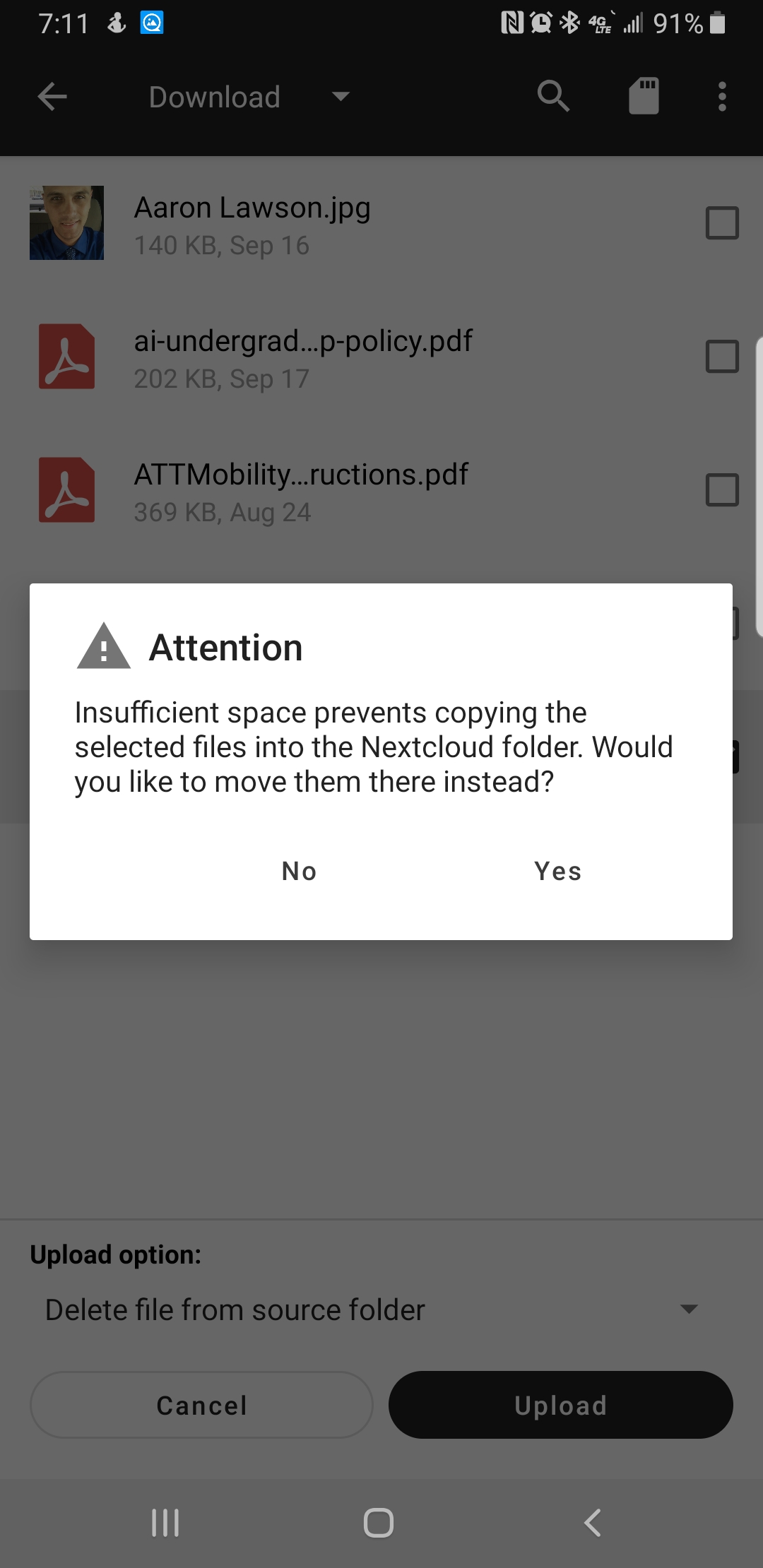
So interesting thing is, there is tons of space on both the phone and the server. About 40GB free on the phone and 11 Terabytes free on the server. There is no insufficient space anywhere. Also, the path is for the internal phone memory and not an external SD card. So, I am assuming something went wrong with a recent update. Anyone have feedback on this?
@tennox This error is occurring whether or not there is sufficient space. Either way it is occurring on my devices so I am assuming there is a bit more to the issue than available disk space.
So.. I changed the storage path from
/storage/emulated/0/Android/media/com.nextcloud.clientTo
/storage/emulated/0/Android/data/com.nextcloud.client/filesAnd the issue has gone away. Is there a reason for this? Is there a difference between the media and data paths that prevents the app from determining the availability of disk space on the device?
Is there a difference between the media and data paths that prevents the app from determining the availability of disk space on the device?
Both paths seem to be in the same location (internal vs. external storage).
The only difference is that media is also accessible by other apps, whereas data is not.I am out of clue, why this is happening :-(
Reacted by Aaron LawsonCan confirm that I have the same issue, as well. I'm trying to use Nextcloud to backup/clear my phone (whose storage is now full) of images. Selecting "Keep in source folder" has no effect on the upload - I'm still prompted to move the files in question into the data directory in order to upload.
Edit: Working in small batches (e.g. uploading 10~15 at a time) seems to work. I guess the 'Keep in source folder' option still copies the files to the Nextcloud data folder, and then deletes them after the backup?
This request did not receive an update in the last 4 weeks. Please take a look again and update the issue with new details, otherwise the issue will be automatically closed in 2 weeks. Thank you!
this is still happening. can't upload images without being forced to move them, which removes them from the regular spot where they are saved.


Similar issue to #3782 - but that is Closed and a bit different.
Actual behaviour
I want to upload files from an app (in my case TitaniumBackup), and I select "keep files in source folder".
Nextcloud asks me:
Pressing 'No' cancels the operation, and pressing 'Yes' moves the files from the source folder to the nextcloud app folder - which is not what I want.
Is it so that Nextcloud can't upload without having them in the app folder?!
If that is so (which would be weird), at least give a hint about that in the modal.
Expected behaviour
Nextcloud would upload the files and keep them in the source folder.
Steps to reproduce
(When selecting Upload from other apps it seems to work: the files stay in source folder - but I'm not sure because my phone's disk space got full - and maybe that was because Nextcloud was copying the files somewhere)
Environment data
Android version: 9
Device model: Oneplus 6T
Stock or customized system: Oneplus Oxygen (rooted)
Nextcloud app version: 3.7.2