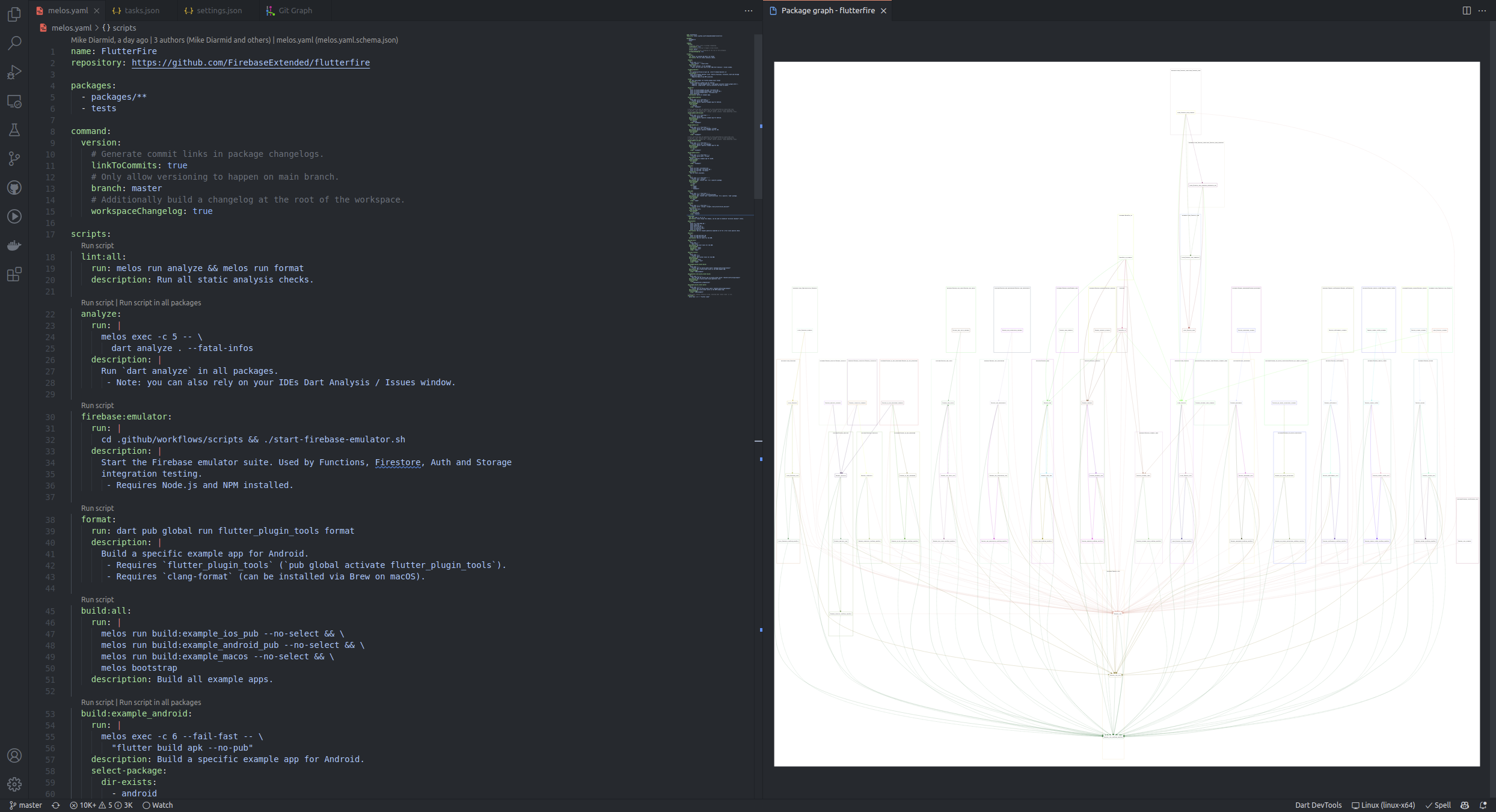

Melos integrates with IntelliJ via the generation of
IntelliJ project module
files (.iml files) during melos bootstrap.
Melos will create an IntelliJ project module for each package in your Melos workspace, and will create Run configurations for your packages:
- Flutter Run for each Flutter app (a Flutter package with a
lib/main.dart, or with an entry point configured throughrunArguments). - Dart Run for each Dart file in the
bindirectory of a pure Dart package (a package that does not need the Flutter SDK). - Flutter Test for each Flutter package or plugin, excluding apps, that has
a
testdirectory. - Dart Test for each pure Dart package that has a
testdirectory. - Melos Run for each script defined in your workspace configuration.
The Flutter Run and Dart Run configurations can be disabled with the
generateAppRunConfigs
option.
The IntelliJ files are not generated when Melos detects that it is running in a
continuous integration environment, which is when one of the CI,
CONTINUOUS_INTEGRATION, BUILD_NUMBER or RUN_ID environment variables is
set.
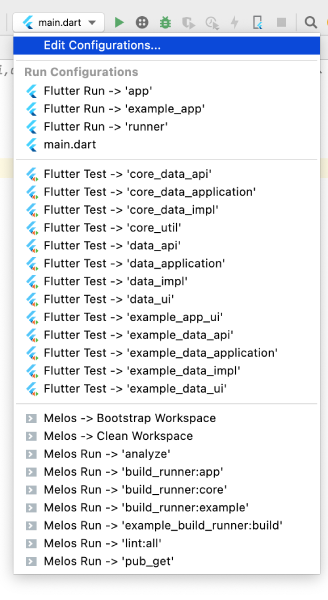
This is only supported for Melos v6 and lower
Autocompletion and validation of melos.yaml can be enabled in IntelliJ by
going to Settings > Languages & Frameworks > Schemas and DTDs >
JSON Schema Mappings and adding the Melos schema:
- Schema url: https://raw.githubusercontent.com/blaugold/melos-code/main/melos.yaml.schema.json
- Schema version: JSON Schema version 7
- File: Select
melos.yaml
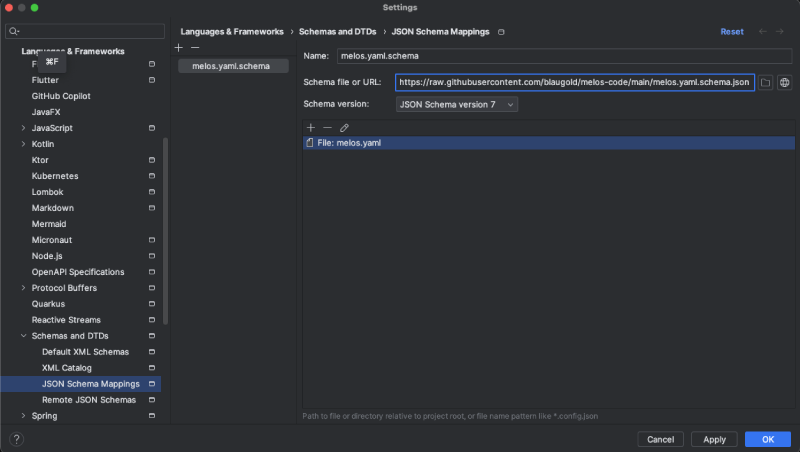
The [Melos extension][melos-code] integrates Melos with VS Code.
The extension provides validation and autocompletion of melos.yaml and allows
you to run scripts through CodeLenses:
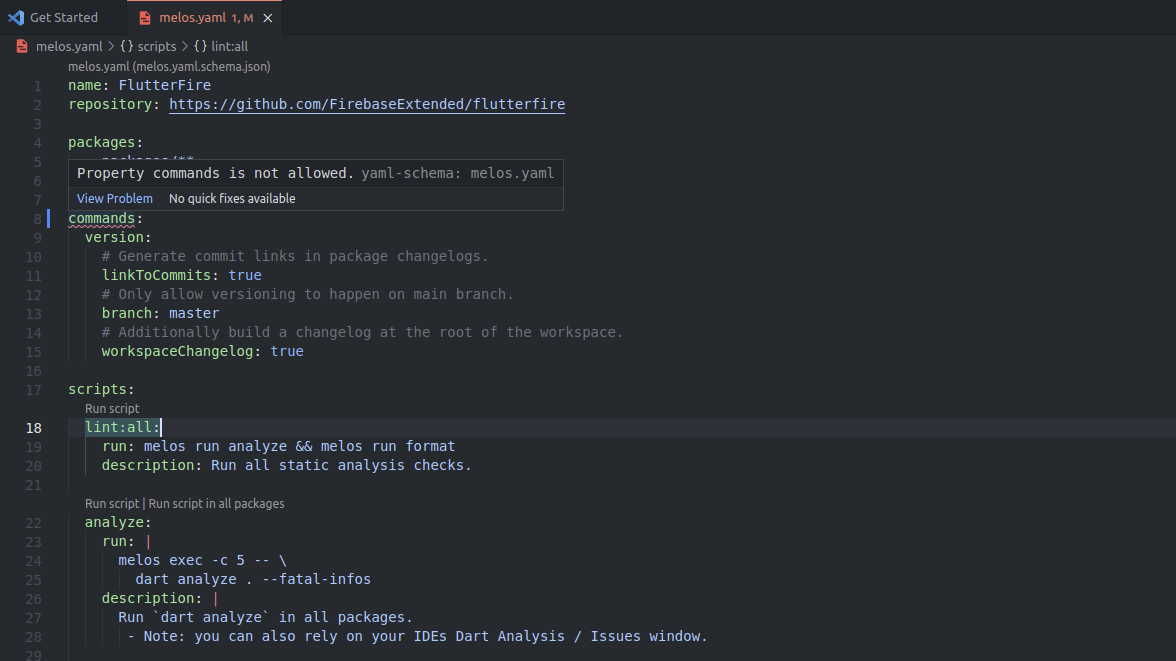
Melos scripts are provided as VS Code tasks:
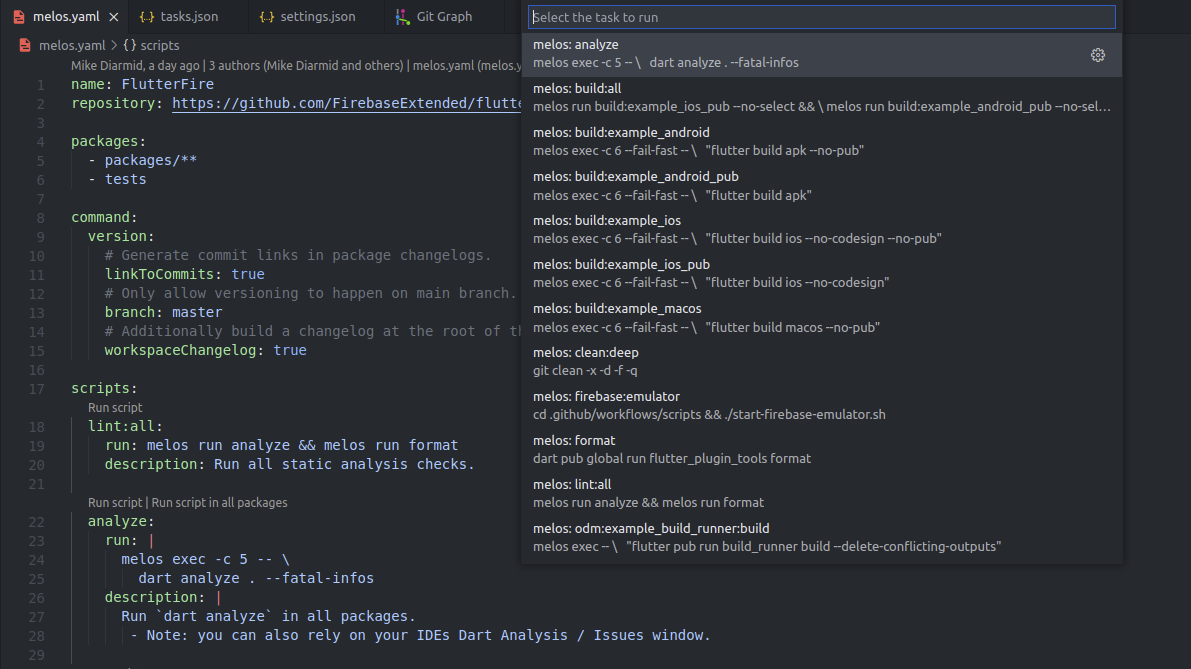
To configure a task that runs a Melos script, use task type melos:
// .vscode/tasks.json
{
  "version": "2.0.0",
  "tasks": [
    {
      "type": "melos",
      "script": "test",
      "label": "melos: test"
    }
  ]
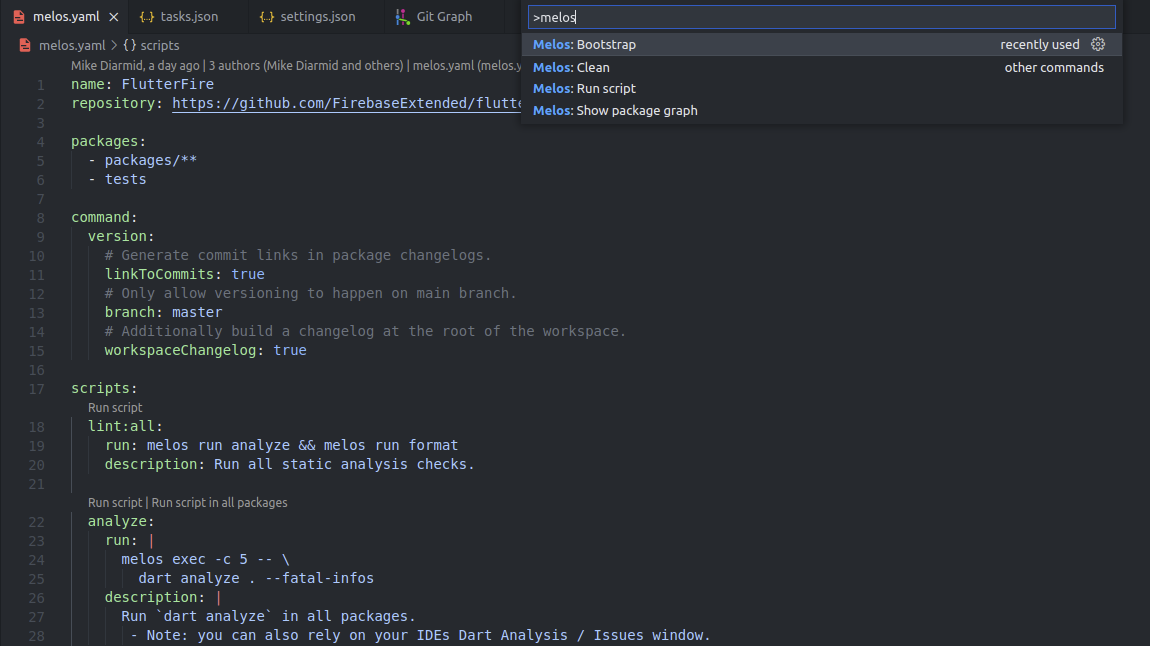
}The following commands are available in the command palette:
Melos: Bootstrapto runmelos bootstrapMelos: Cleanto runmelos cleanMelos: Run scriptto select and run a Melos scriptMelos: Show package graphto show the package graph of the Melos workspace
The dependency graph of packages in the Melos workspace can be viewed by running
the Melos: Show package graph command.