


Developer Debug Tools
- Details
- Getting Started
- Changelog
Description
The "Developer Debug Tools" WordPress plugin is a powerhouse for developers and site administrators! It's a FREE comprehensive toolkit that helps you identify, troubleshoot, and resolve issues in your WordPress site, making debugging a breeze. No premium version available.
This plugin offers a suite of features to aid in debugging, including, but not limited to:
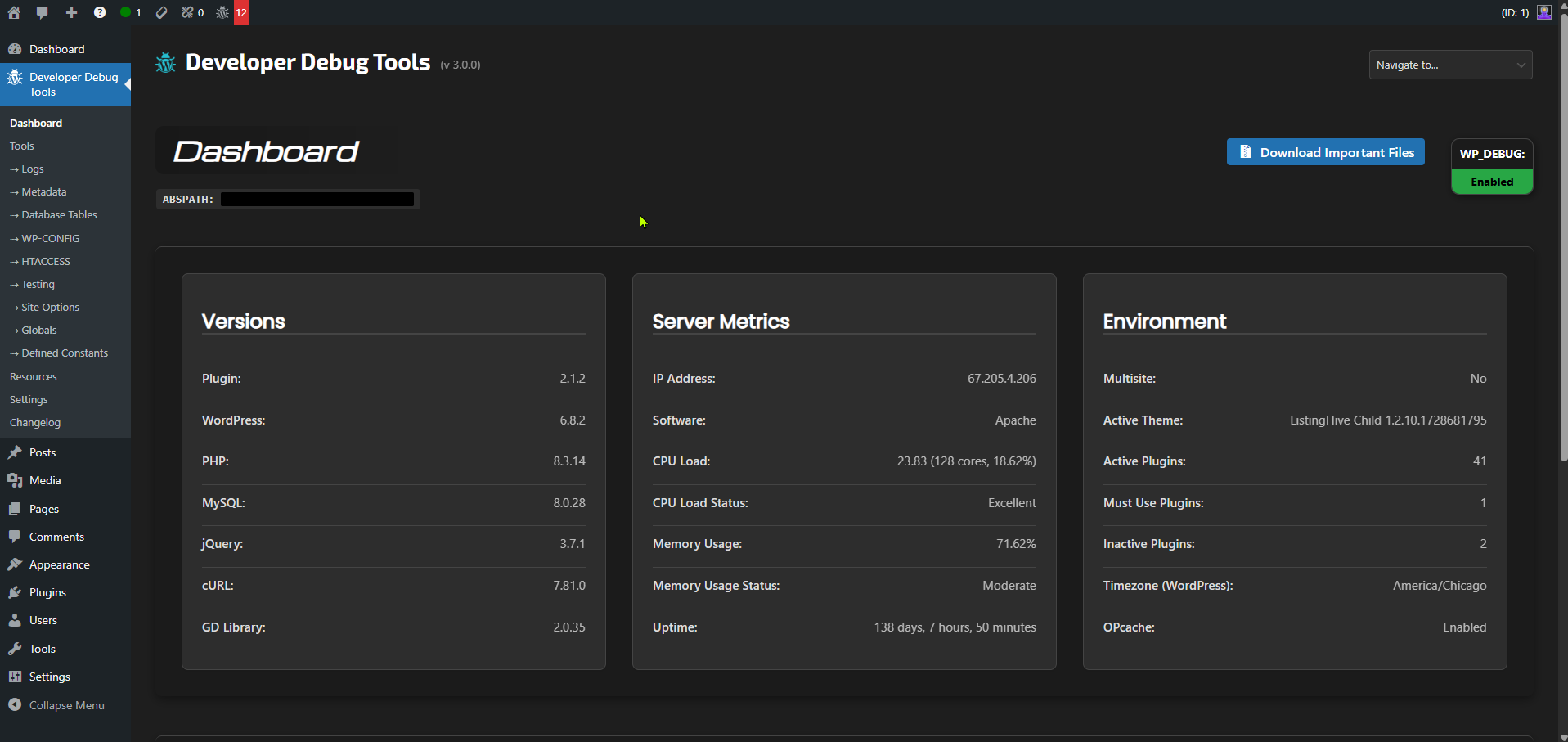
- Dashboard with important site information and server metrics
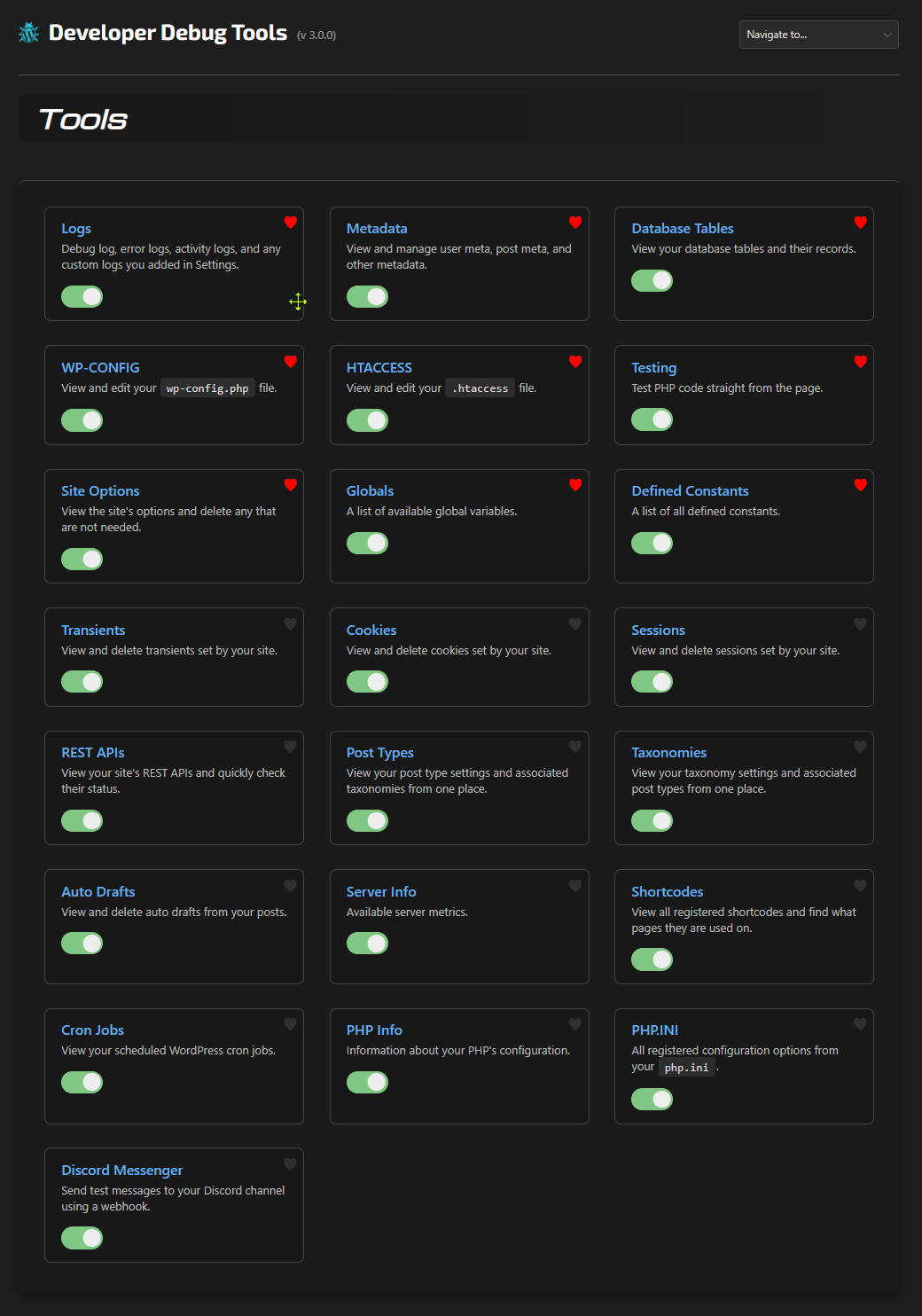
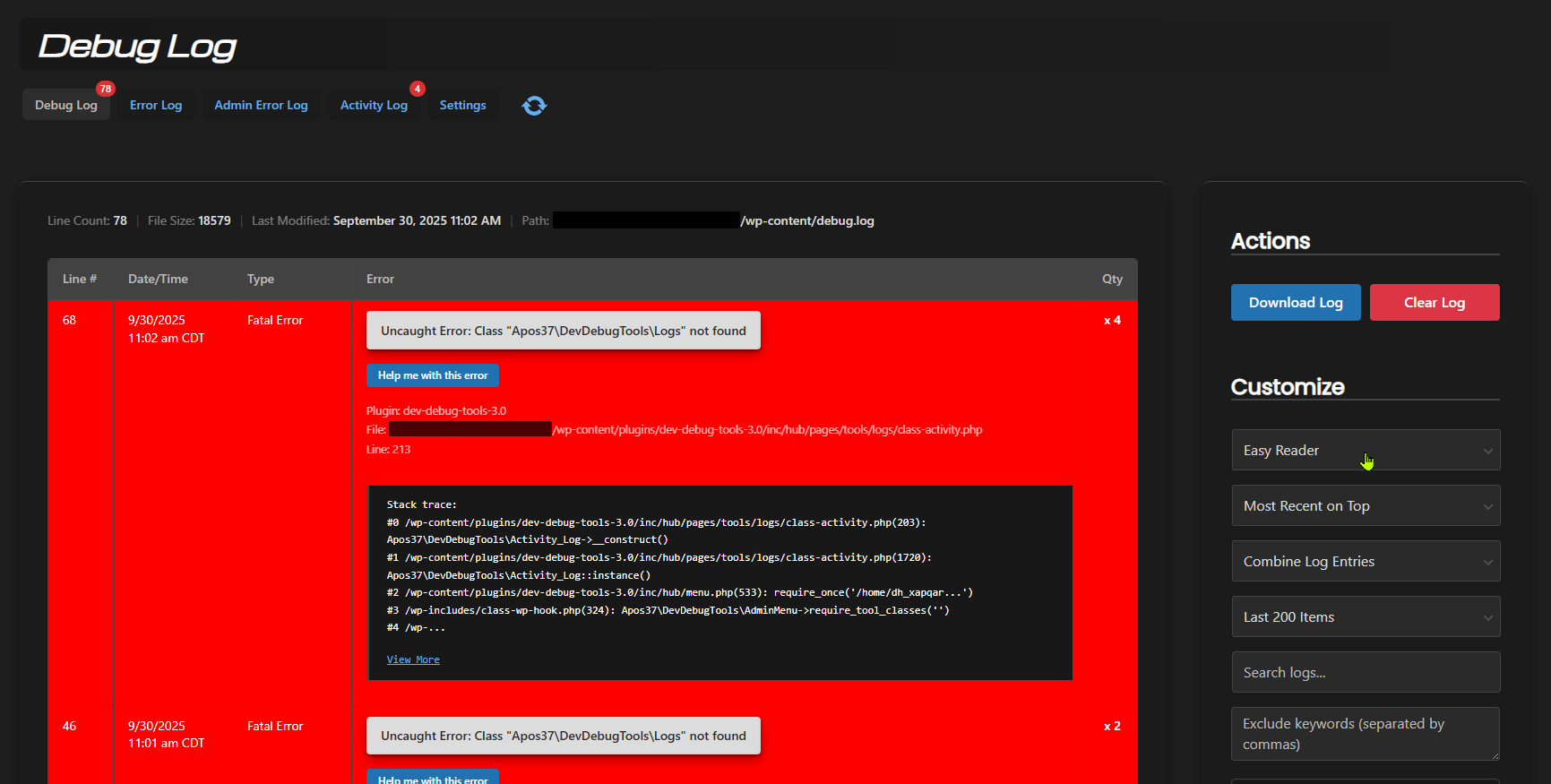
- Enhanced log viewer for
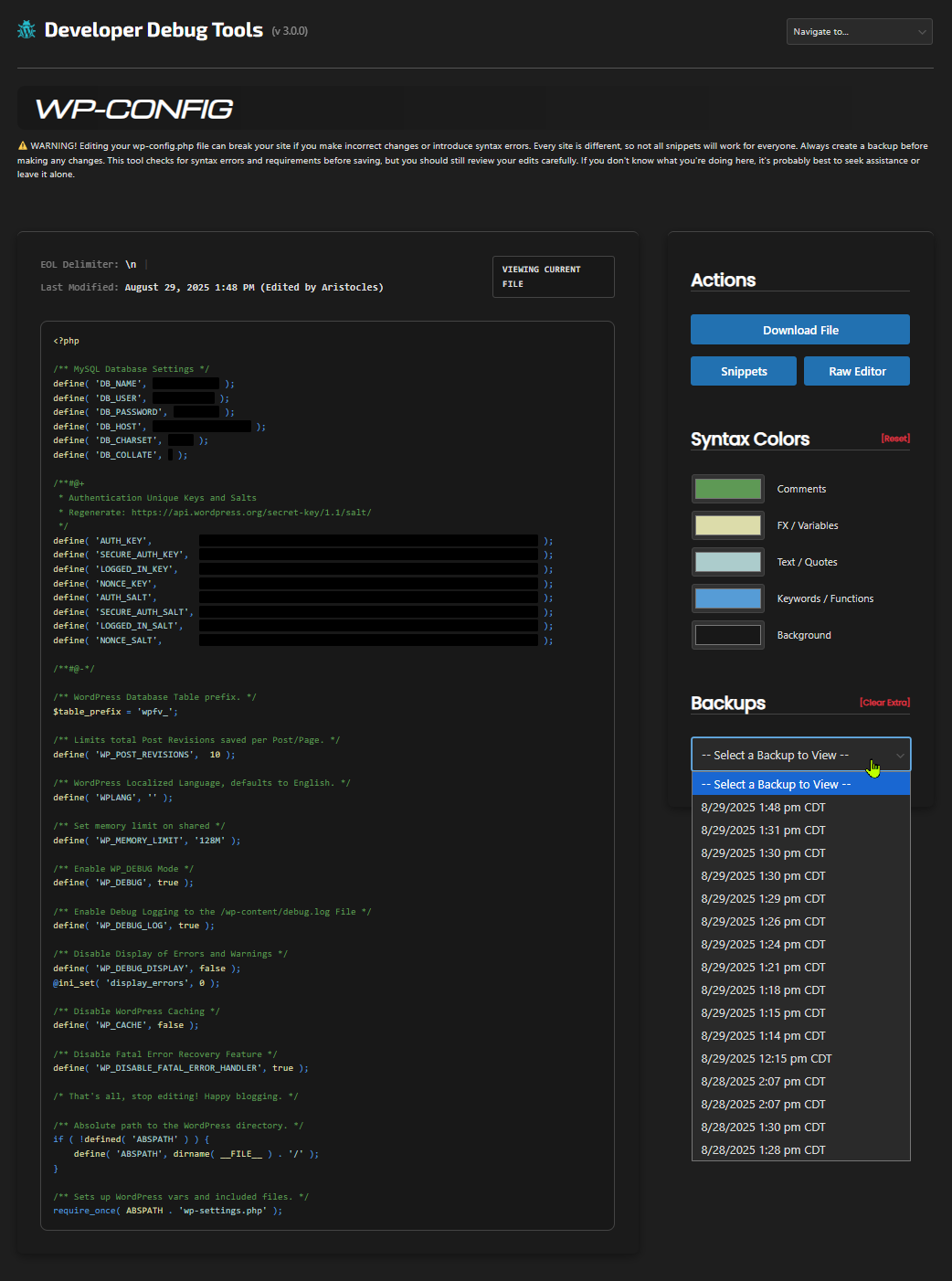
debug.log, error logs, custom logs, and an activity log - Config file viewers and editors for
wp-config.phpand.htaccessfiles - SEO viewer for
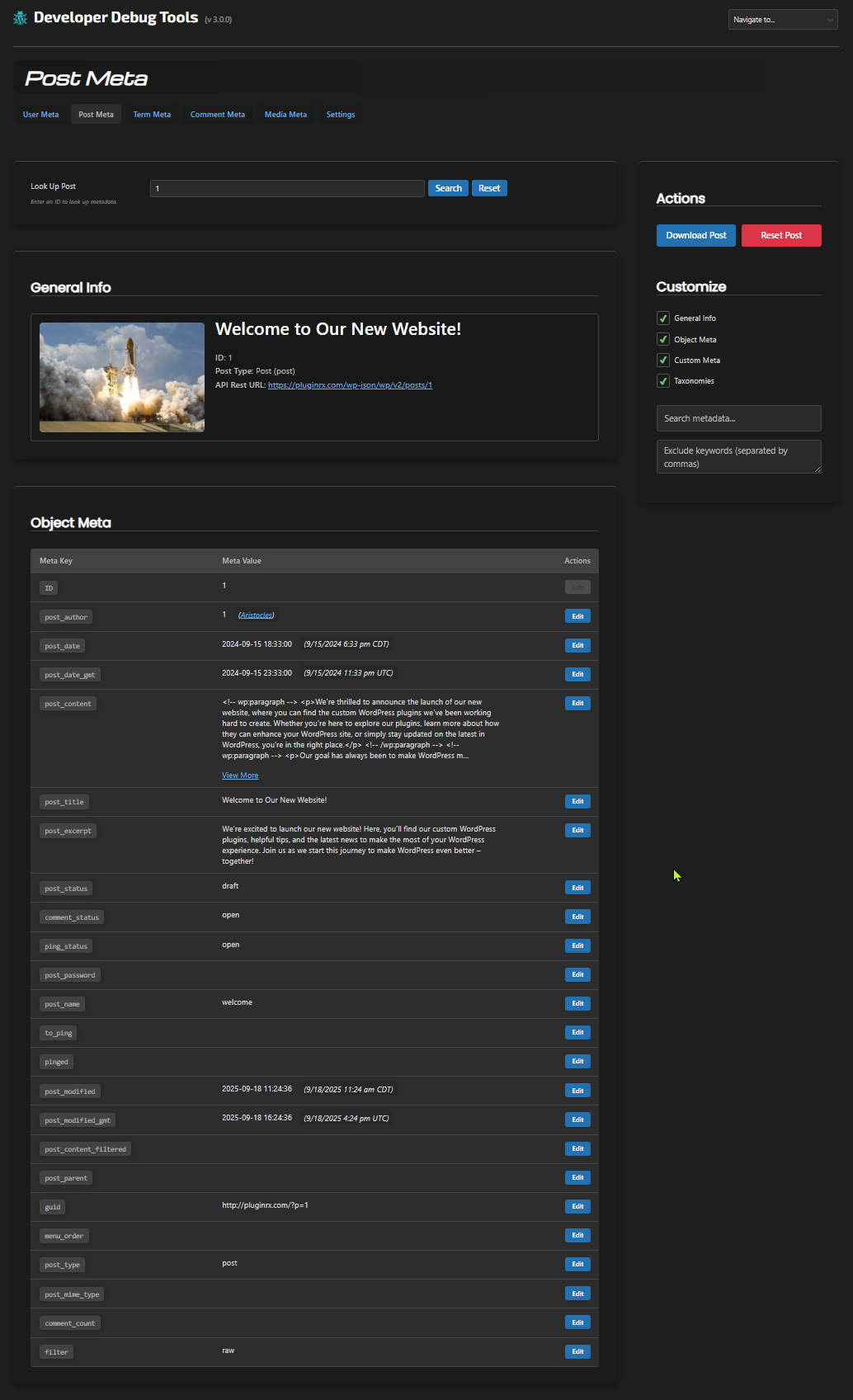
robots.txt, sitemaps, andllms.txtwith built-in diagnostics - Meta Data viewer and editor for users, posts, tax terms, comments, and media
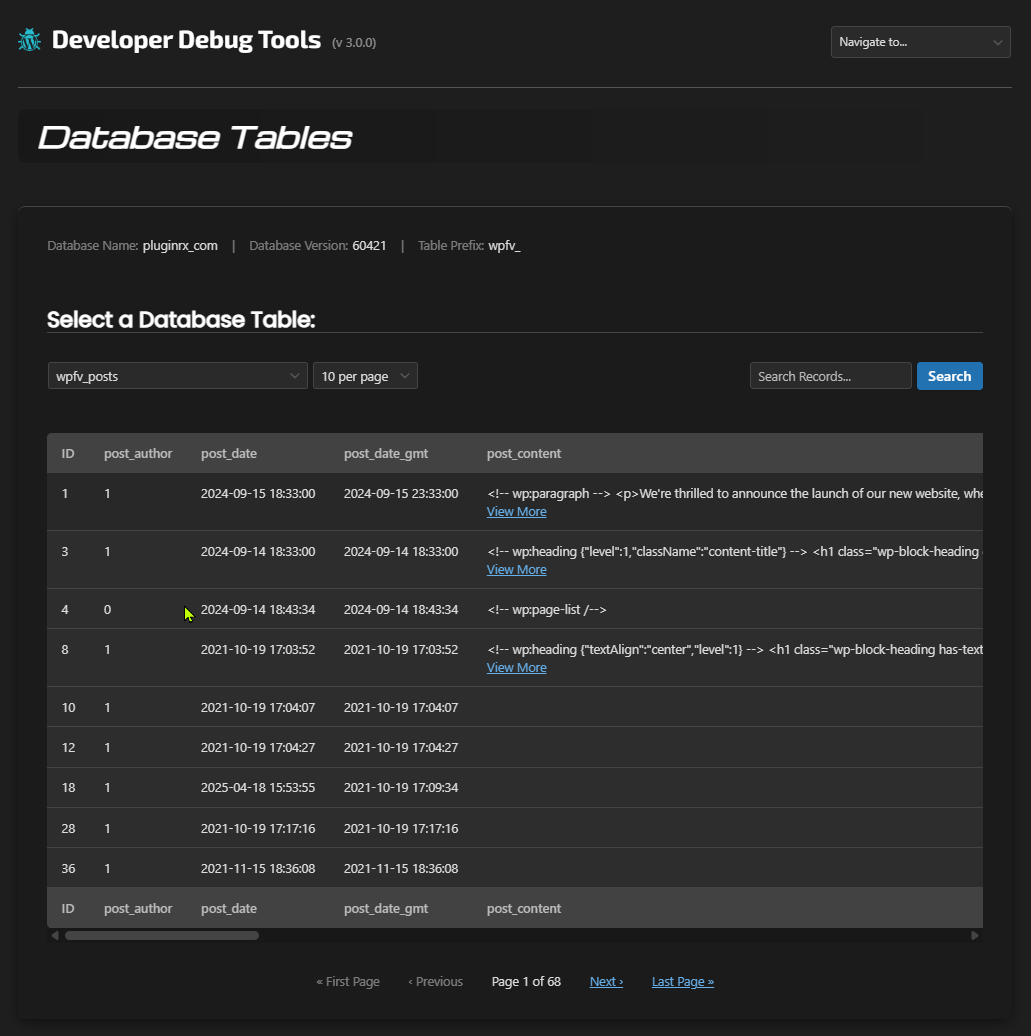
- Database Table records viewer
- Site Options viewer and editor
- Globals viewer
- Defined Constants viewer
- Transients, Cookies, and Sessions management
- REST API viewer and status checker
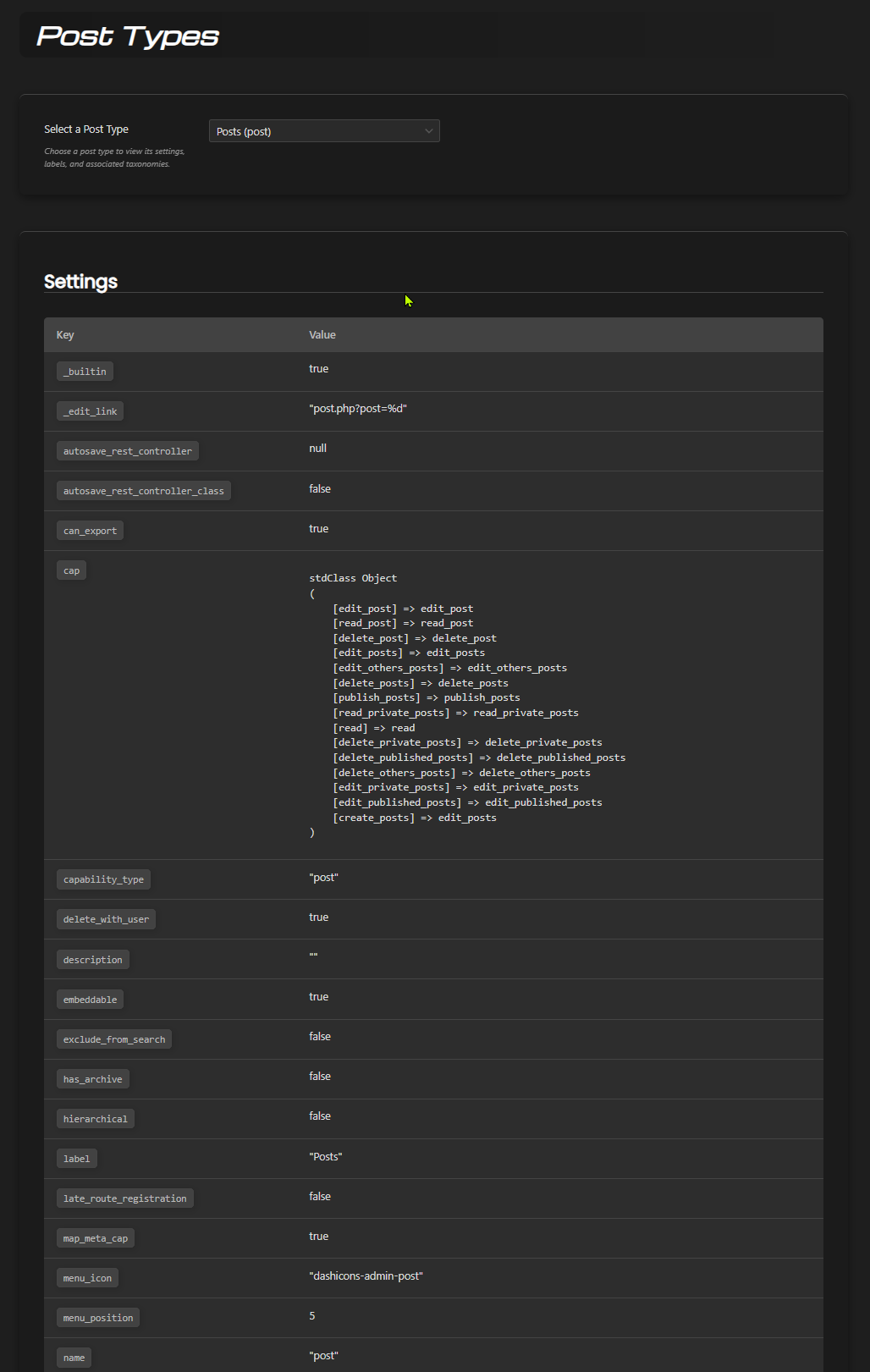
- Post Types and Taxonomies viewers
- Auto-Draft viewer and clearer
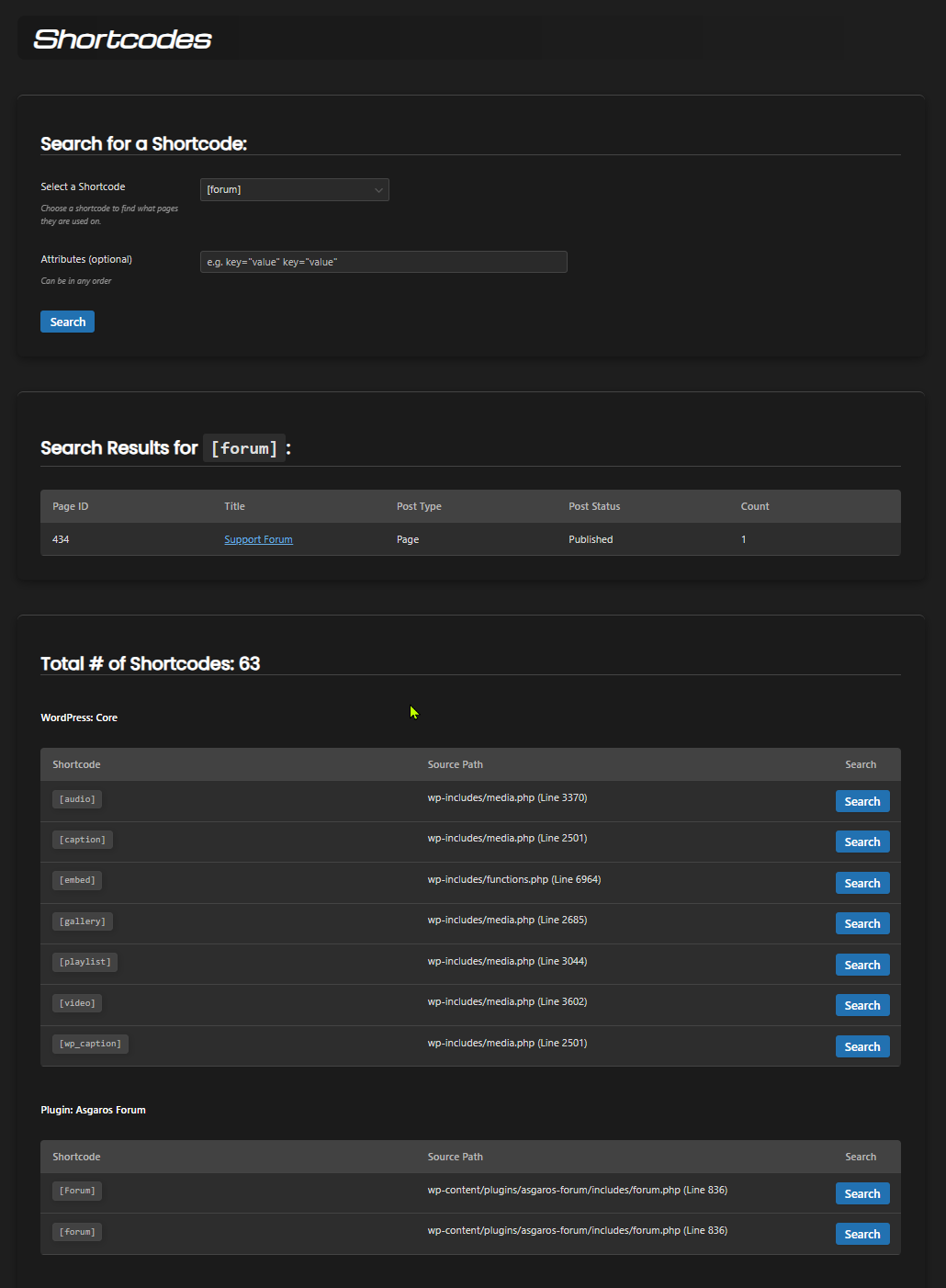
- Shortcode Finder
- Cron Jobs viewer
- PHP Info and php.ini viewers
- Discord Notifications of fatal errors and when users with certain roles log in
- Discord Messenger for testing connections with Discord
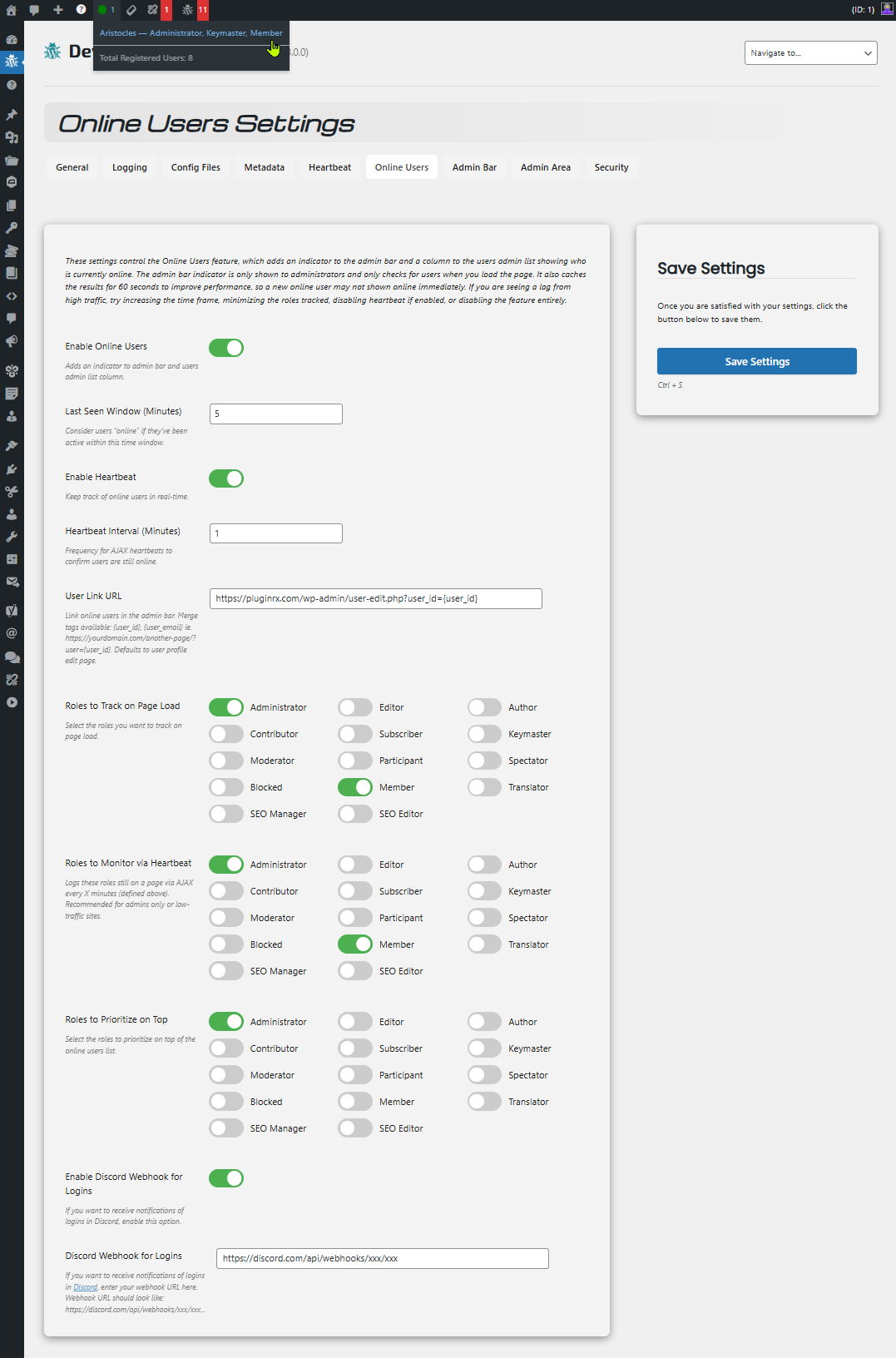
- See who's online and last online dates
- Heartbeat Monitor for testing WP Heartbeat API sitewide
- Plugins Page Enhancements with addt plugin data and notes feature
- Security Options for hiding the plugin and password protection to any admin page
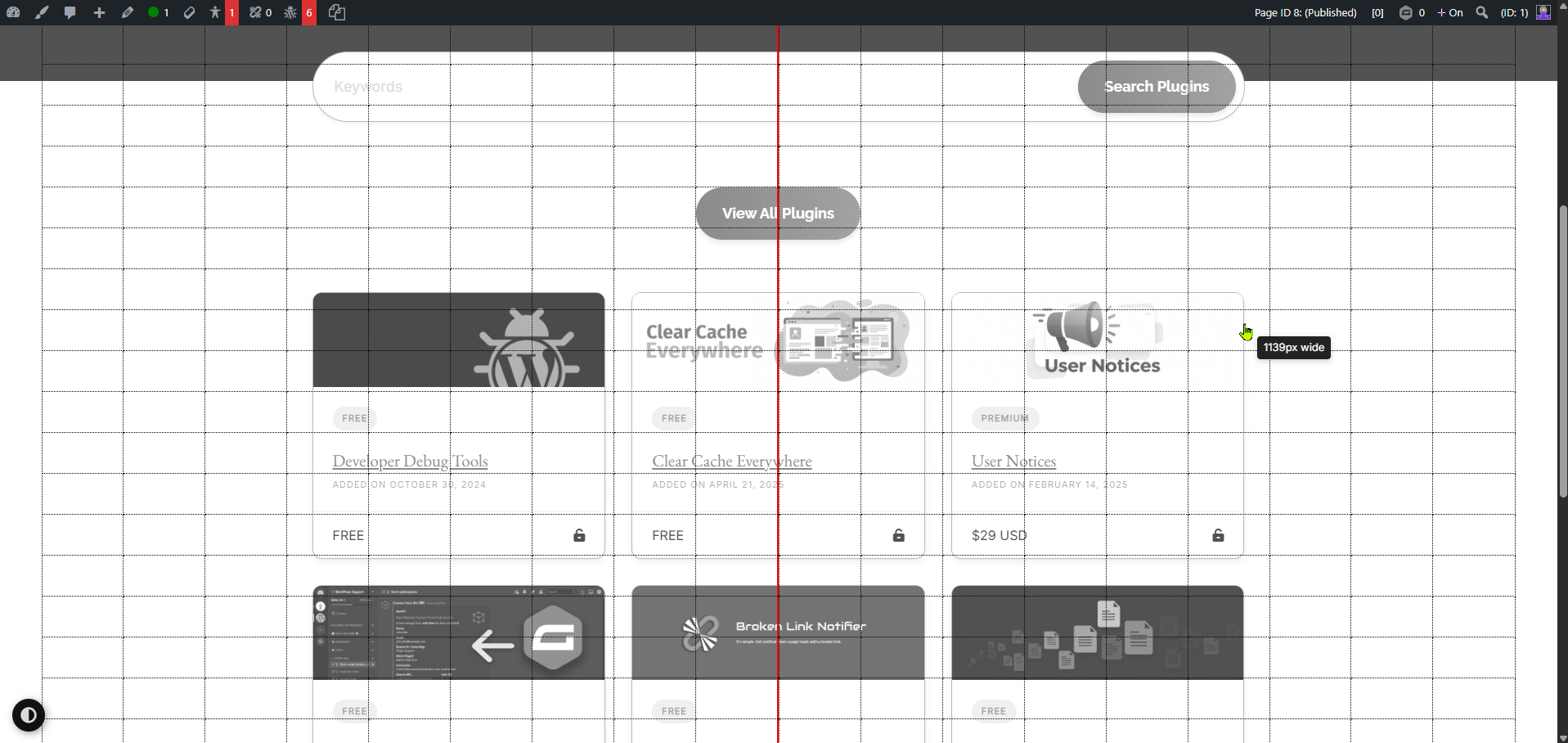
- Admin Bar Tools such as seeing Post ID/type/status, User ID, an interactive centering tool, and more
- Quick Debug Links for debugging users, posts, and comments
- Gravity Forms integrations
With "Developer Debug Tools", you can:
- Identify and fix errors, bugs, and conflicts
- Troubleshoot complex issues with ease
- Update user and post meta straight from the admin area
- Streamline your development and testing workflow
This plugin is a must-have for any WordPress developer or site administrator who wants to ensure a stable, efficient, and high-performing website. It's like having a trusty sidekick that helps you tackle even the most challenging debugging tasks!
---------------------
Demo
Screenshots
FAQ
Should I backup my wp-config.php and .htaccess files before using the tools to add/remove snippets?
Can I use this plugin on a live website?
My site broke when updating my wp-config.php or .htaccess from your plugin. How do I revert back to my original?
How can I switch between dark and light mode?
What is Test Mode? And How do I get out of it?
Why can't I edit a username for a user?
Where is the centering tool?
Where are the quick debug links?
I hid the plugin, now I can't find it!
I password-protected the plugin and forgot my password, how can I reset it?
Why does the SEO tool show a request error on my staging site?
Where can I get further support?
Installation
1. Install the plugin from your website's plugin directory, or upload the plugin to your plugins folder.
2. Activate it.
3. Go to Developer Debug Tools in your admin menu.
What Next?
How-To GuideDeveloper Docs3.0.5
- Update: Added an LLMs.txt tab to the SEO tool for viewing llms.txt and llms-full.txt, with format, link, generator plugin, and robots.txt AI crawler diagnostics
- Update: Added a new SEO tool with Robots.txt and Sitemap tabs, including Output and Code views, a child sitemap selector, search, pagination, and download buttons
- Update: Added diagnostics to the SEO tool for robots.txt (physical vs. virtual, blocked resources, blocked site while public, missing or unreachable Sitemap lines, invalid directives, cache headers, subdirectory installs)
- Update: Added diagnostics to the SEO tool for sitemaps (HTTP status, content type, XML validity, 50,000 URL and 50 MB limits, host and protocol mismatches, duplicates, missing lastmod, unreachable or empty child sitemaps, multiple sitemap generators)
- Update: Added an optional URL sampling setting to check listed sitemap URLs for errors, redirects, and noindex
- Update: Added an SEO settings tab with robots.txt and sitemap path fields, additional sitemaps, cache duration, and URL sample size
- Tweak: Added a URL path field type with HTTP verification to settings
- Tweak: Moved File Editor default syntax colors to a shared constant so other tools can reuse them
- Tweak: The "Check for Update" link on the Plugins page is now disabled by default and only enabled once required scripts load successfully, preventing conflicts with other plugins/themes from breaking the link or causing unintended page behavior
- Tweak: Moved the full version history to changelog.txt to stay within the WordPress.org readme limit; the in-plugin Changelog page reads it first
3.0.4
- Tweak: Added a title attribute on the plugin version in the header to explain what test mode does
- Update: Added Menu Item Quick Links setting — adds a lightning bolt icon next to each menu item title on the Menus admin page for developers to quickly debug menu item meta
- Update: Added inline editing, autoload control, and delete buttons to individual options on the Site Options tool, matching the Metadata tool's UX
- Update: Added an "Add New Option" button to the Site Options tool for creating new options directly, with support for array/serialized values
- Update: Added server-side pagination and a per-page dropdown (matching Database Tables tool) to the Site Options tool to fix slow loading with large option counts
- Update: Added a search field to the Site Options tool to filter by option name
- Tweak: Made the Autoload Size Summary section on Site Options collapsed by default, with expand/collapse toggle
- Tweak: Site Options tool now caches option source detection (plugin/theme scan) instead of running it on every page load, improving performance
3.0.3.3
- Fix: Force Update Check incorrectly showing "Not tested" compatibility notice for plugins and themes that are tested with the current WordPress version
- Fix: Force Update Check results not persisting after page reload due to transient being overwritten by WordPress background check or third-party plugins
- Update: Overhauled Force Update Check button on the Updates page to check each plugin and theme directly against the WordPress.org API in real time via AJAX, bypassing transient cache and third-party update hooks
3.0.3
- Update: Added two new site checks on the dashboard
- Update: Added a "Check for Update" action link to each plugin row on the Plugins page to manually check the source for a newer version
3.0.2.2
- Compatibility: Increased minimum required WordPress version to 6.0
- Compatibility: Tested with WordPress 7.0
- Fix: Metadata - updating of user_login not working
- Fix: Metadata - some user object meta not updating or giving an error message why
- Fix: Undefined array key in class-activity.php
- [See the full changelog](https://plugins.svn.wordpress.org/dev-debug-tools/trunk/changelog.txt)